4 Feature-by-Feature Breakdown
4.1 Members Management
🔗 /masjid/members · Sidebar: Members & Donors Management → Members
Manages the full congregation (jamaat) registry. Each member has a unique membership number, multi-tab demographic data, contact info, subscription plan, and household grouping.
List View
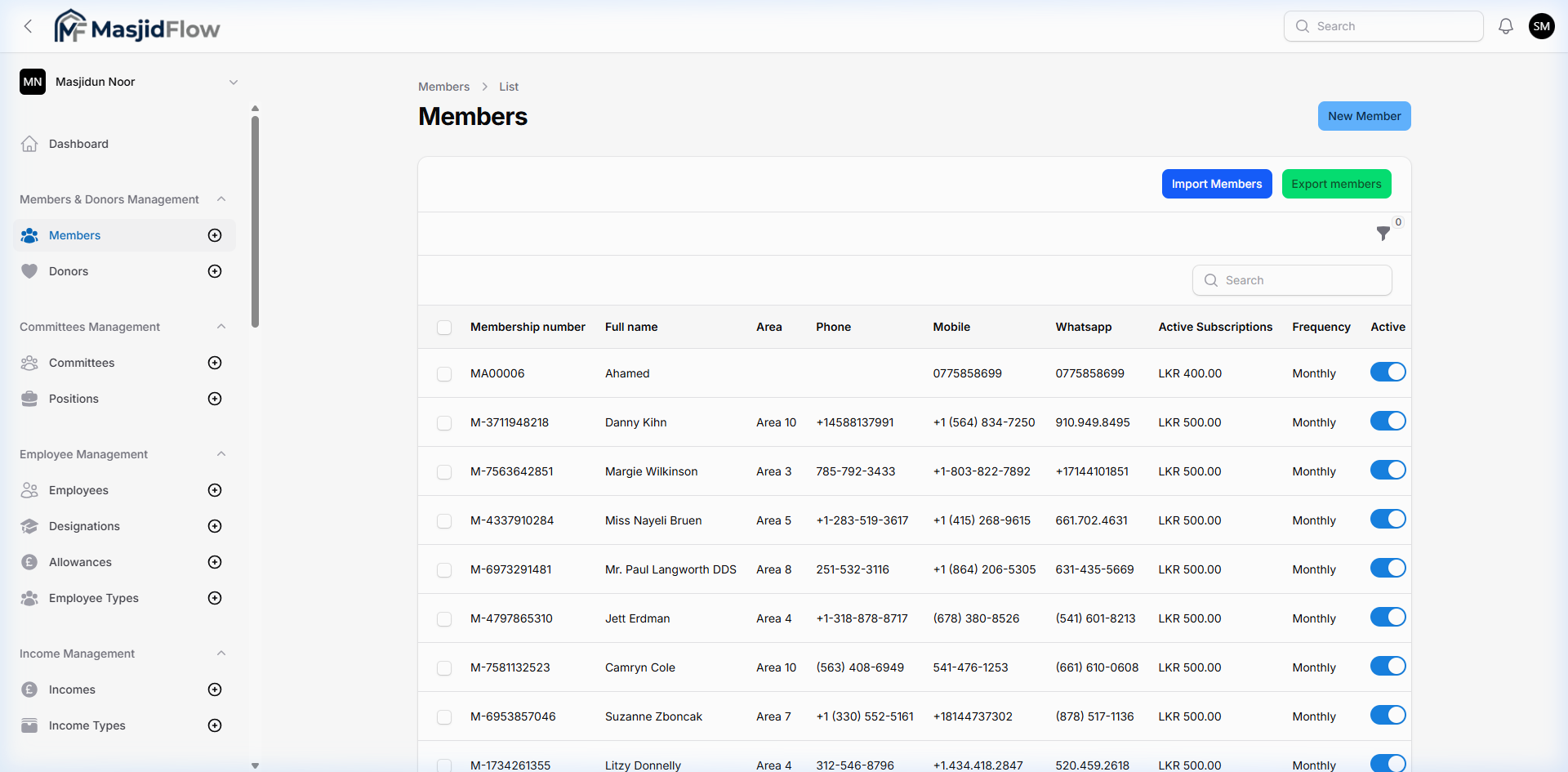
📷 Members list — 102 members, paginated at 10/page
| Column | Description |
|---|
| Membership number | Auto-generated (e.g., MA00006, M-3711948218) |
| Full name | Clickable link to member detail |
| Area | Geographic area (Area 1–10) |
| Phone | Landline number |
| Mobile | Mobile number |
| WhatsApp | May differ from mobile |
| Active Subscriptions | LKR 400.00 / LKR 500.00 |
| Frequency | Monthly |
| Active | Inline toggle switch (on/off) |
| Action | Control | Description |
|---|
| New Member | Blue button (top-right) | Opens multi-tab creation form |
| Import Members | Blue button (toolbar) | CSV/Excel bulk import |
| Export members | Green button (toolbar) | CSV/Excel export |
| Search | Text input | Real-time name filter |
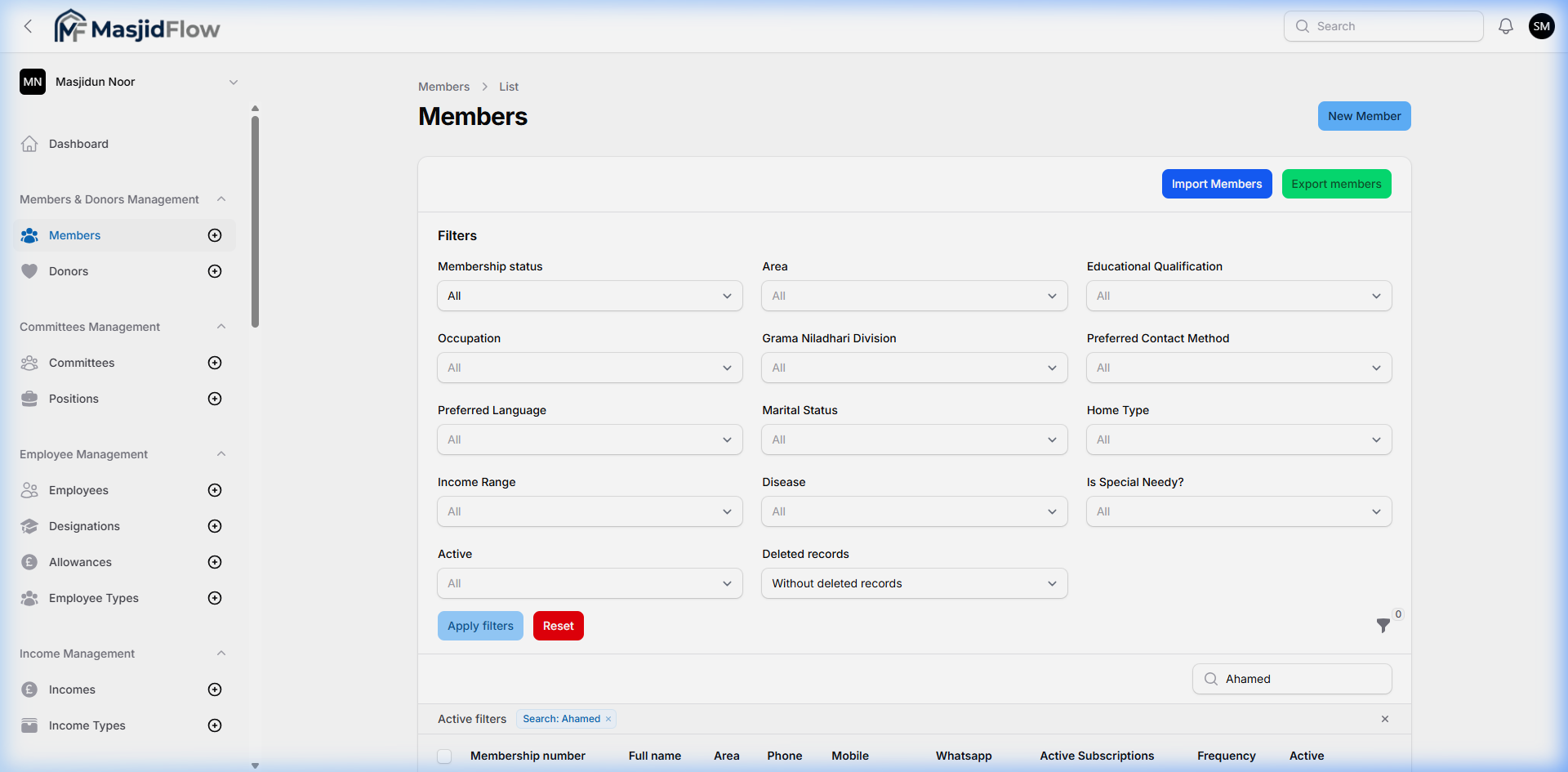
| Filter | Funnel icon + badge count | Opens filter panel |
Member Creation Form — 8 Tabs
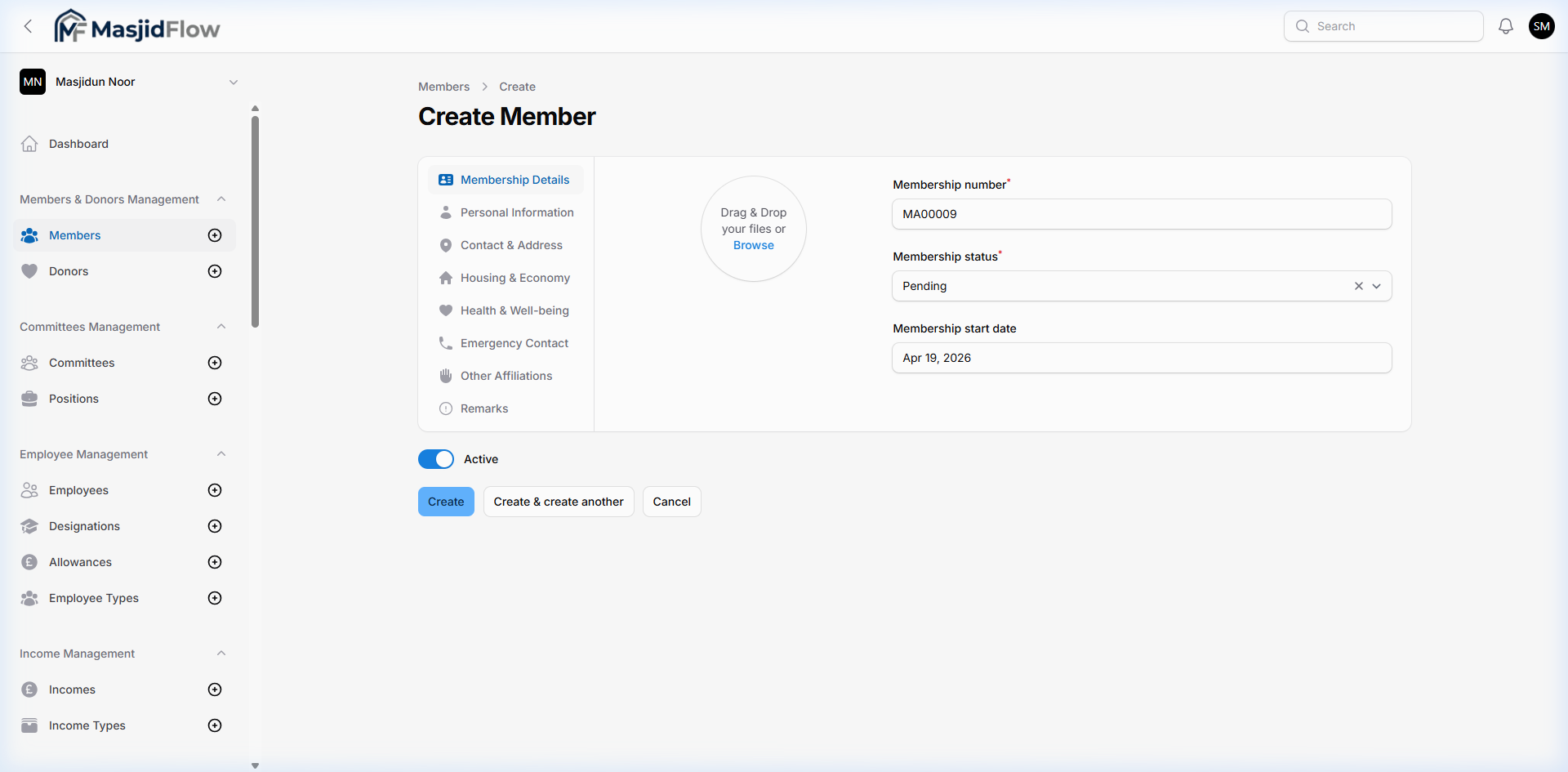
📷 Create Member — Membership Details tab (auto-generated number & status)
| Tab | Key Fields |
|---|
| Membership Details | Membership number (auto), status (dropdown), start date, profile photo (drag & drop) |
| Personal Information | Full name, DOB, gender, marital status, education, occupation |
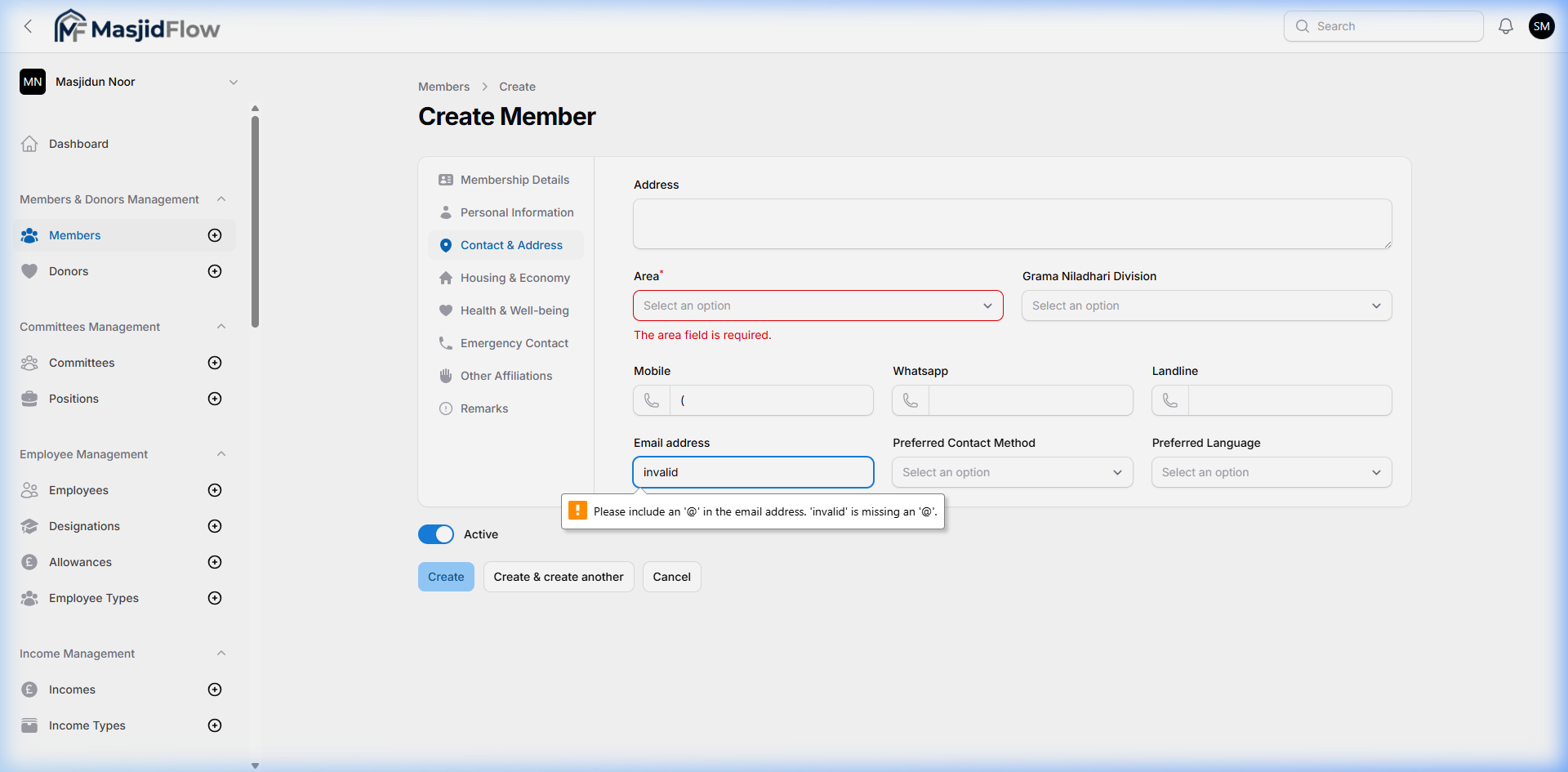
| Contact & Address | Address, Area* (required), Division, Mobile, WhatsApp, Landline, Email, Preferred contact method & language |
| Housing & Economy | Home type, income range |
| Health & Well-being | Diseases / medical conditions |
| Emergency Contact | Emergency contact name + number |
| Other Affiliations | External organizational roles |
| Remarks | Free-text notes |
Form Actions: Create | Create & create another | Cancel
Search & Filter
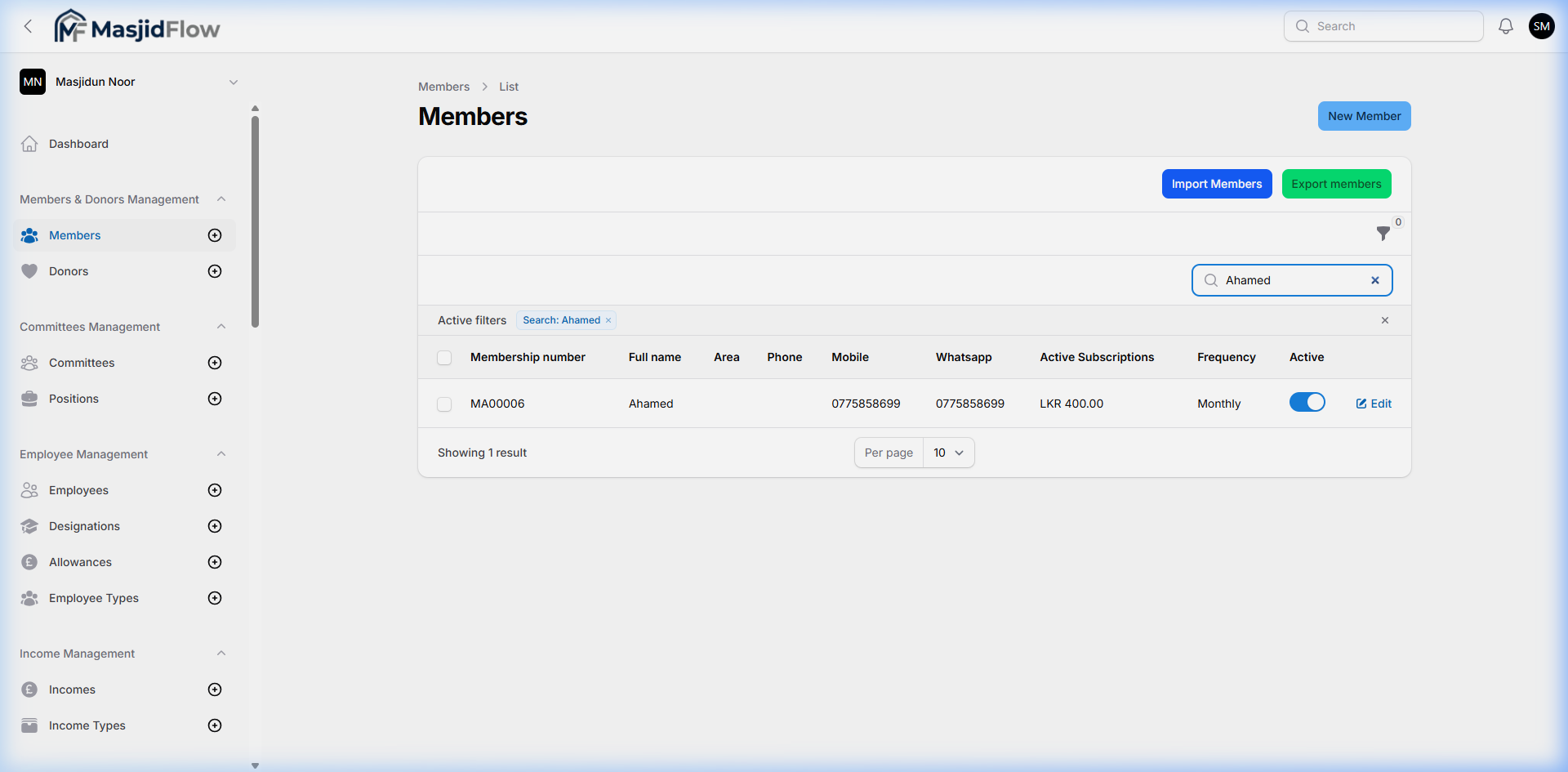
📷 Search results — live filtering by name
📷 Filter applied — Membership status filter
4.2 Donors Management
🔗 /masjid/donors · Sidebar: Members & Donors Management → Donors
Maintains a separate registry of donors — people who contribute financially but may not be registered congregation members.
📷 Donors list — 17 donors, 2 pages
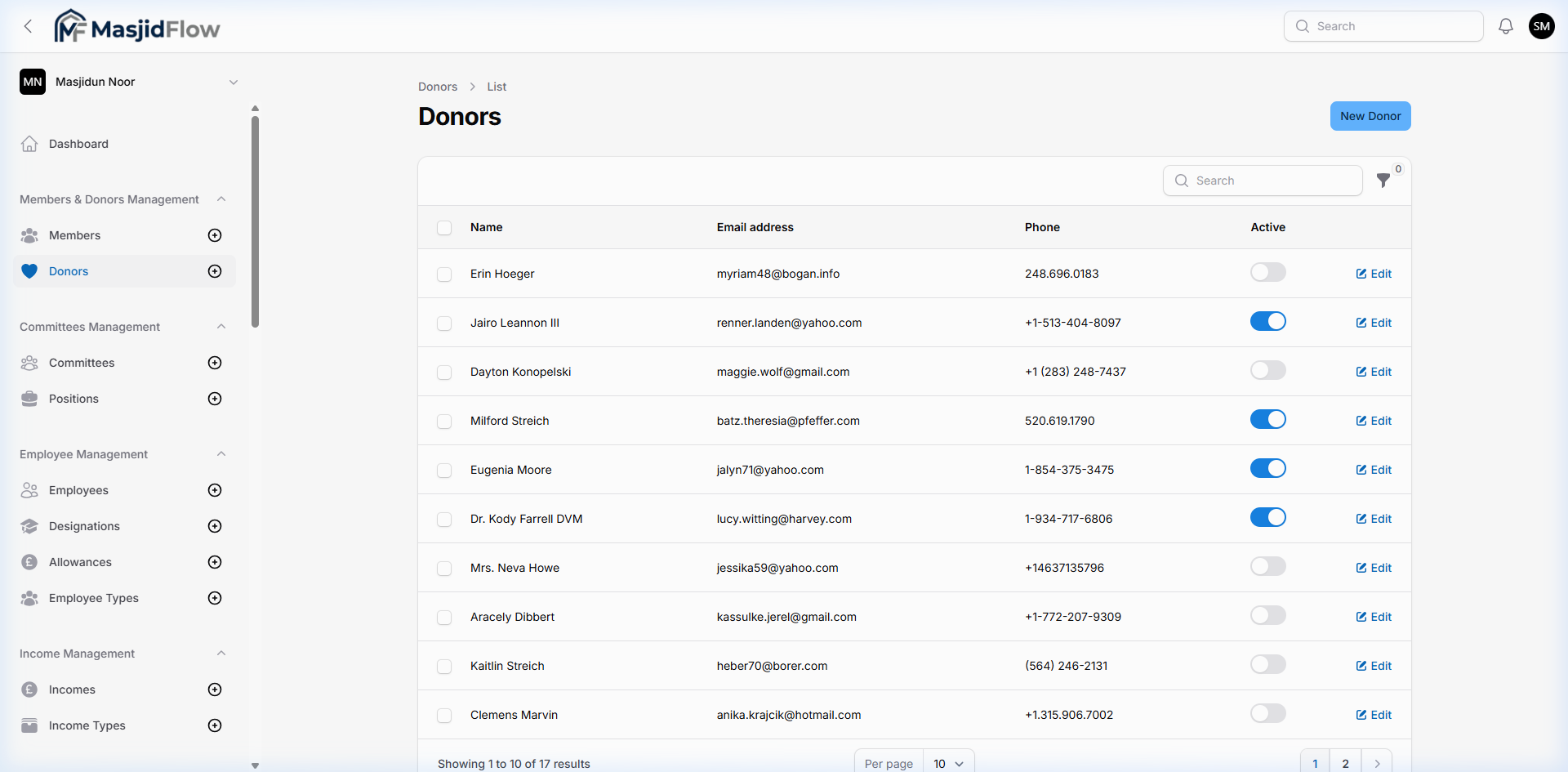
| Column | Description |
|---|
| Name | Donor's full name (clickable) |
| Email address | Contact email |
| Phone | Phone number |
| Active | Inline toggle (on/off) |
| Edit | Per-row Edit button |
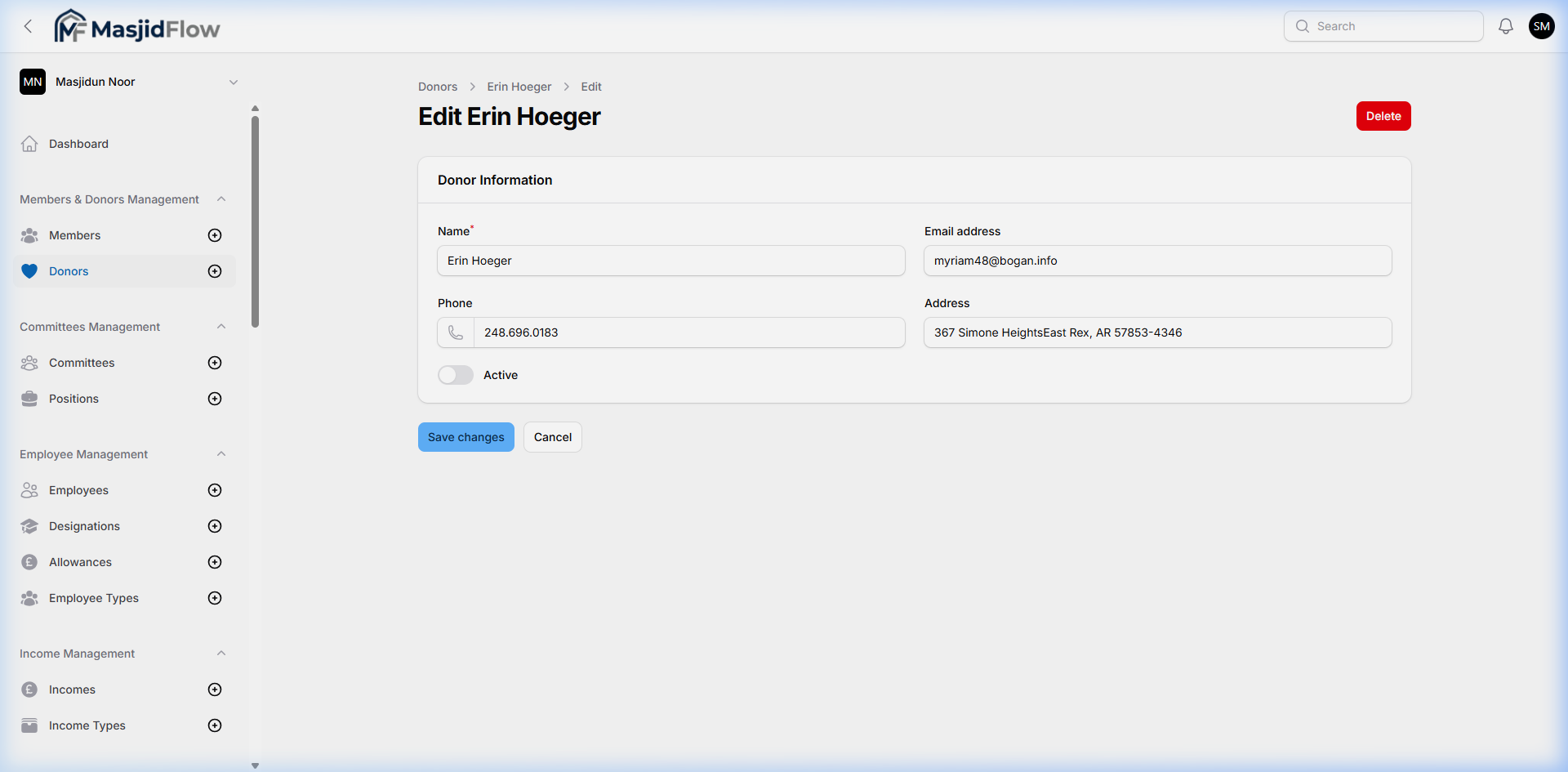
📷 Edit Donor — simple single-page layout (no tabs)
4.3 Committees Management
🔗 /masjid/committees
Manages organizational committees within the masjid (Finance Committee, Education Committee, etc.).
📷 Committees list — empty (no sample data configured)
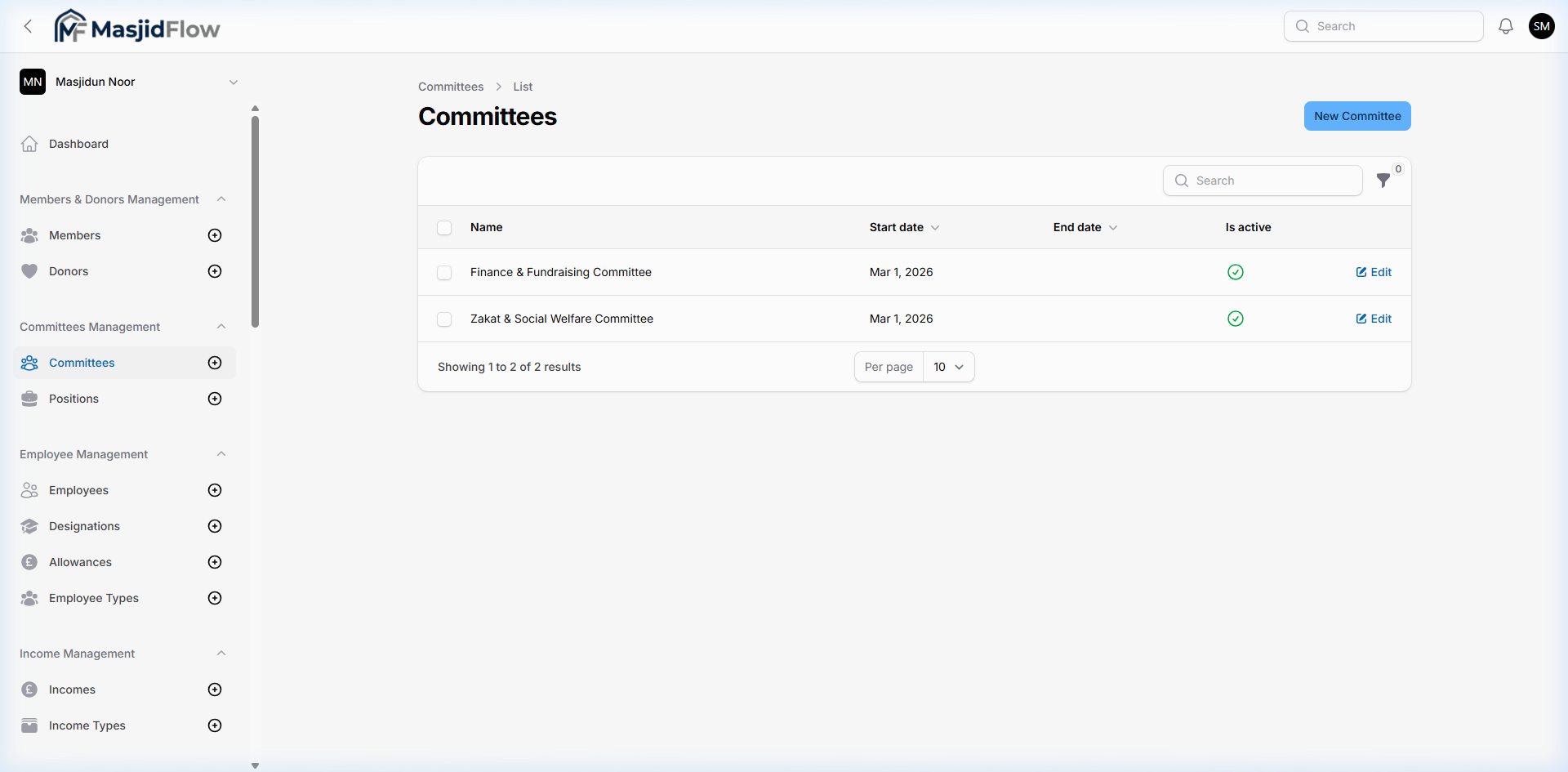
Table columns: Name, Description, Is Active | Actions: New Committee, Search
4.4 Positions Management
🔗 /masjid/positions
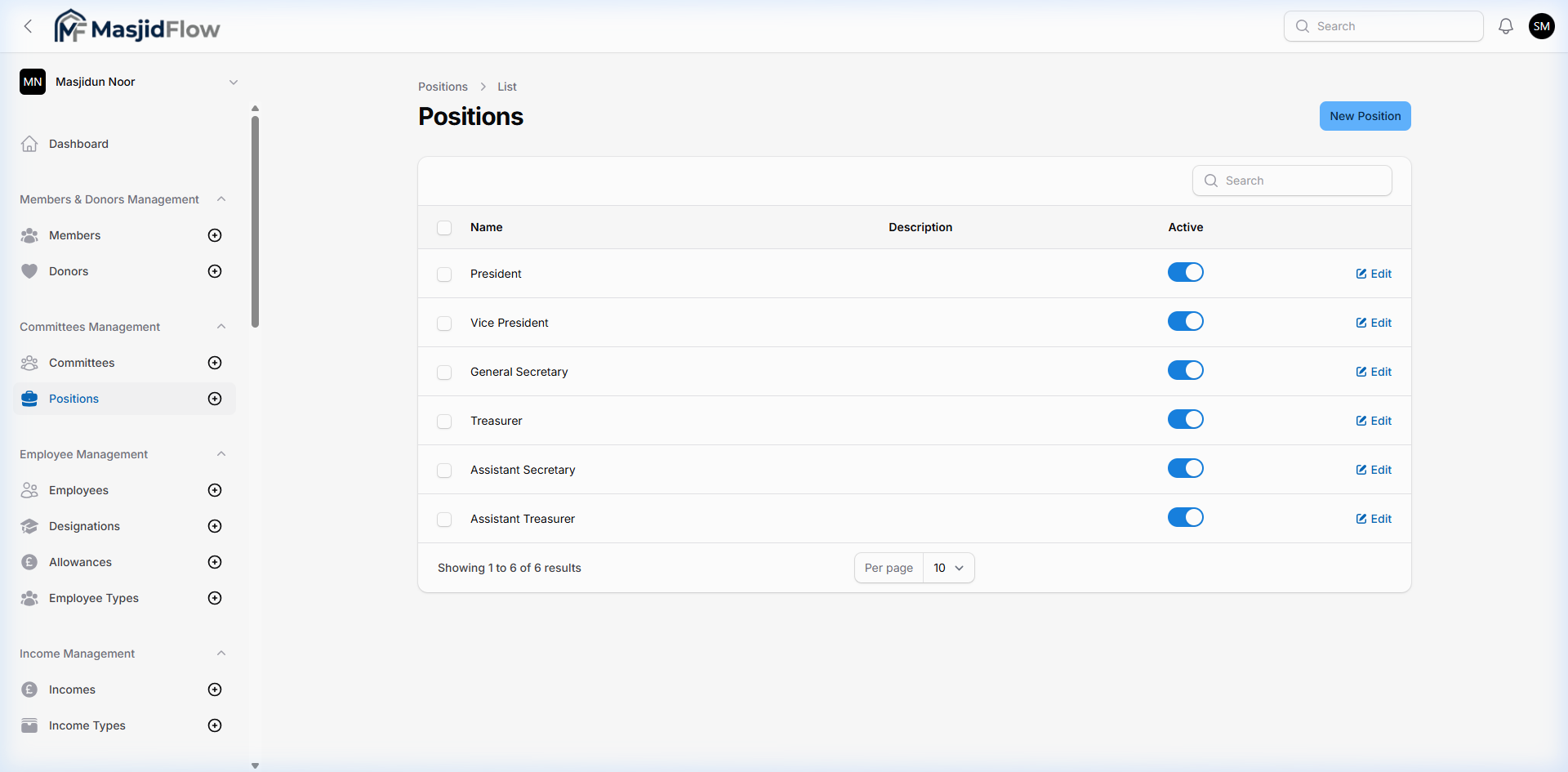
Manages named roles members can hold within committees (Chairman, Secretary, Treasurer, etc.).
📷 Positions list — sample positions present
4.5 Employee Management
🔗 /masjid/employees · Sidebar: Employee Management
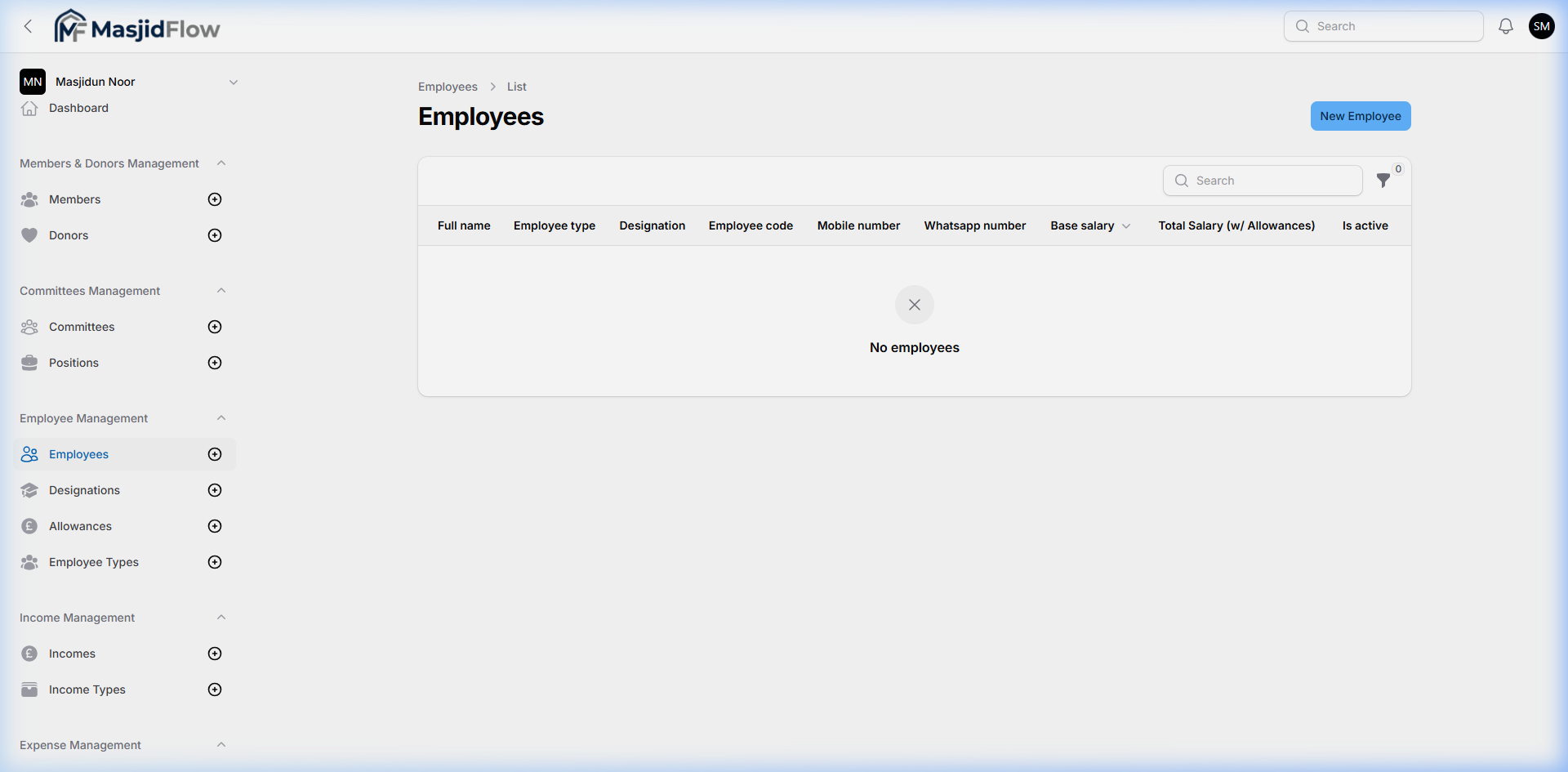
Tracks masjid staff (Imams, Muazzins, cleaners, administrators) with designations, allowances, and employment types.
📷 Employees list — empty (no sample data)
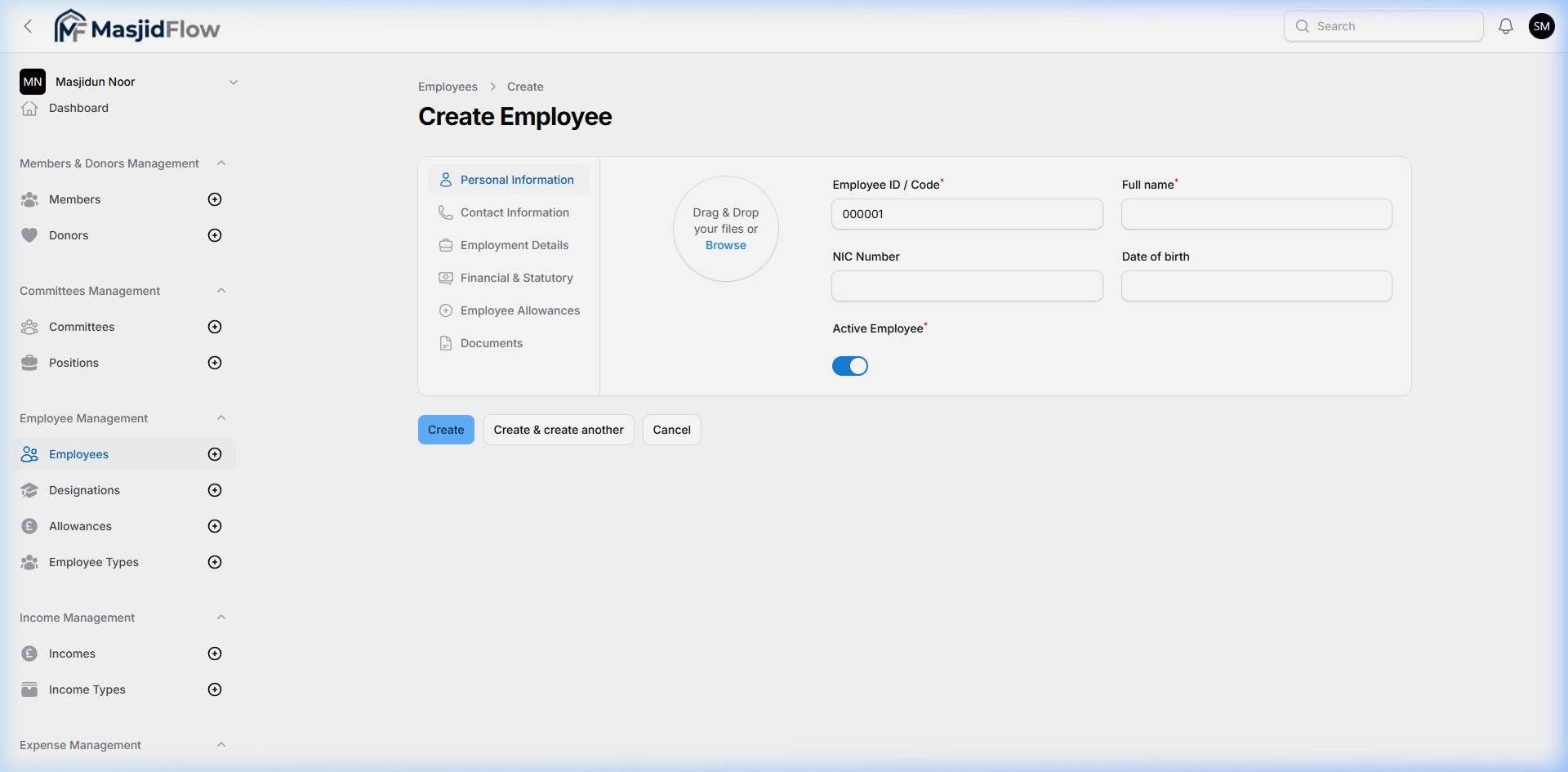
📷 New Employee — Personal Information tab
Sub-modules
| Module | URL | Status |
|---|
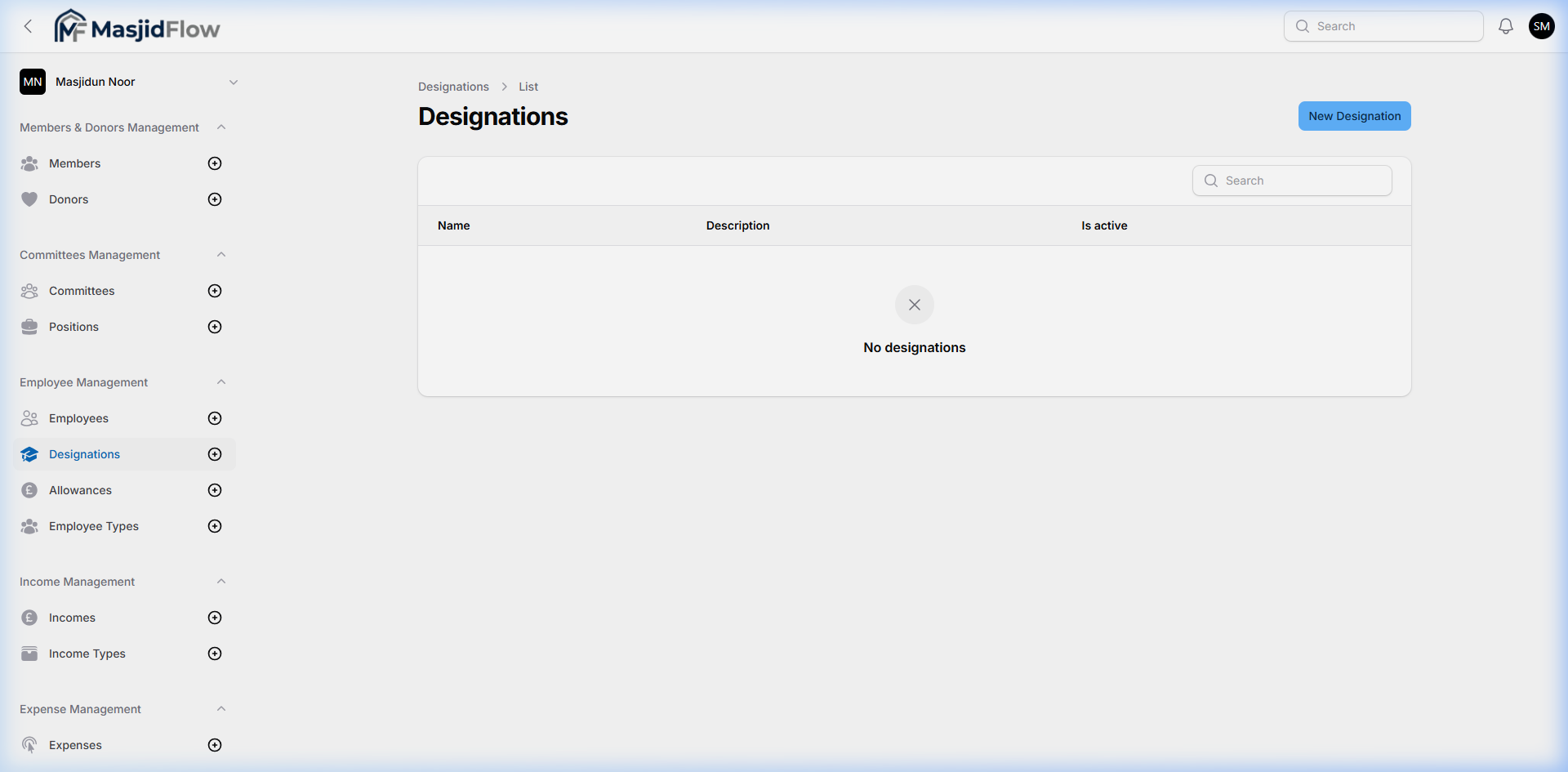
| Designations | /masjid/designations | Empty |
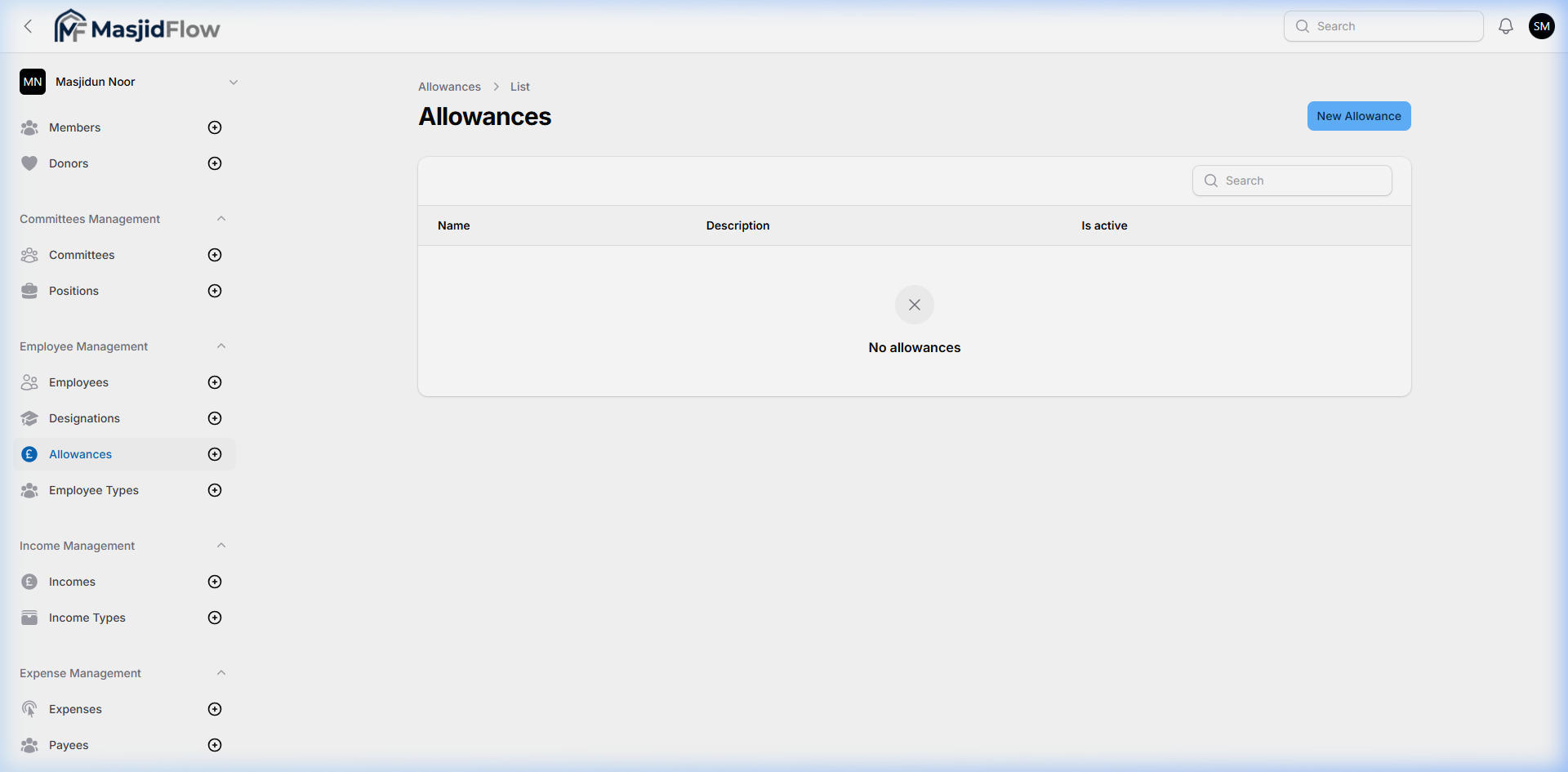
| Allowances | /masjid/allowances | Empty |
| Employee Types | /masjid/employee-types | Empty |
📷 Designations — empty state
📷 Allowances — empty state
4.6 Income Management
🔗 /masjid/incomes · Sidebar: Income Management → Incomes, Income Types
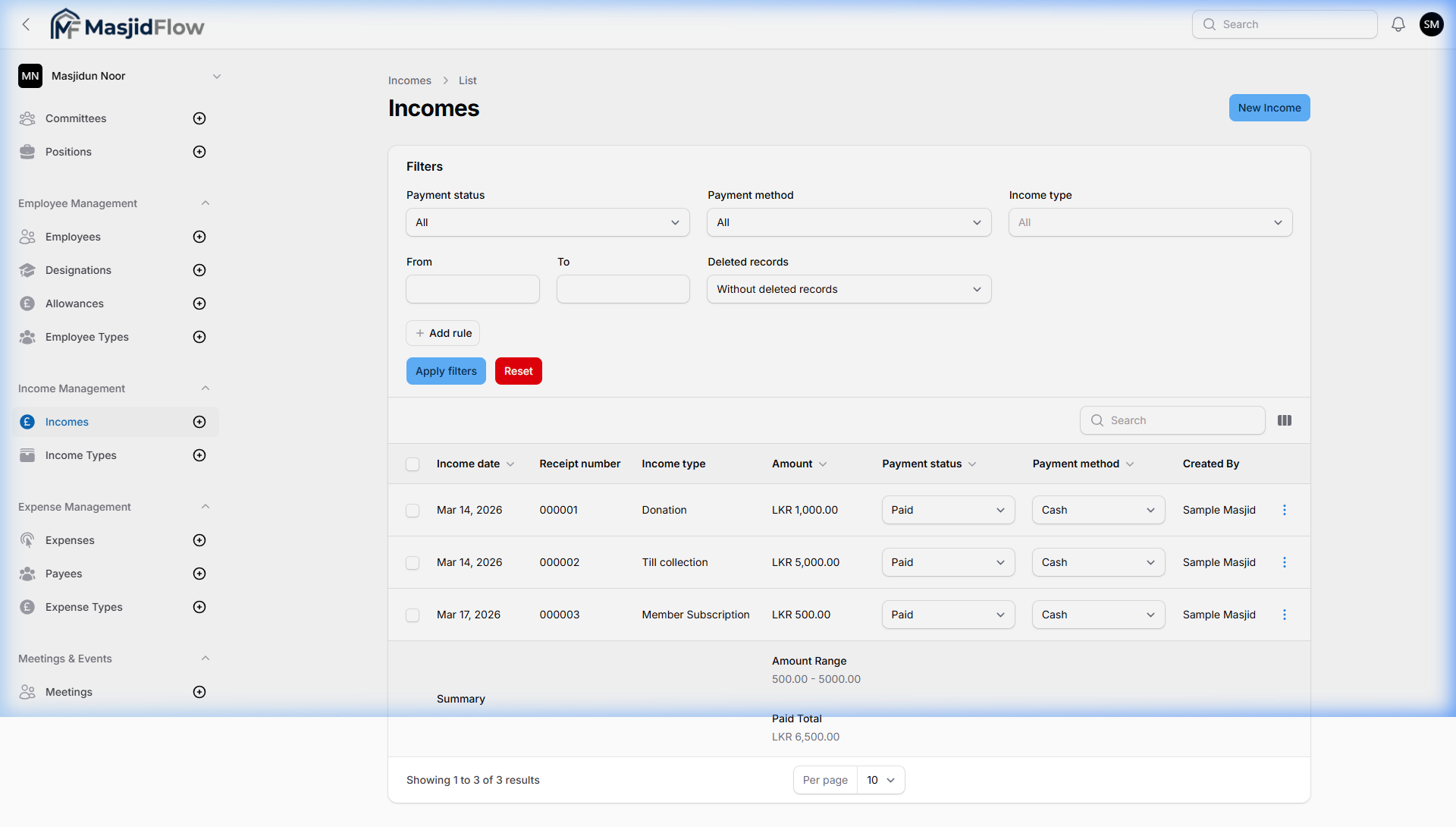
Records all financial income — donations, member subscriptions, till collections. Linked to bank accounts with payment tracking. Features the most advanced filter system of any module.
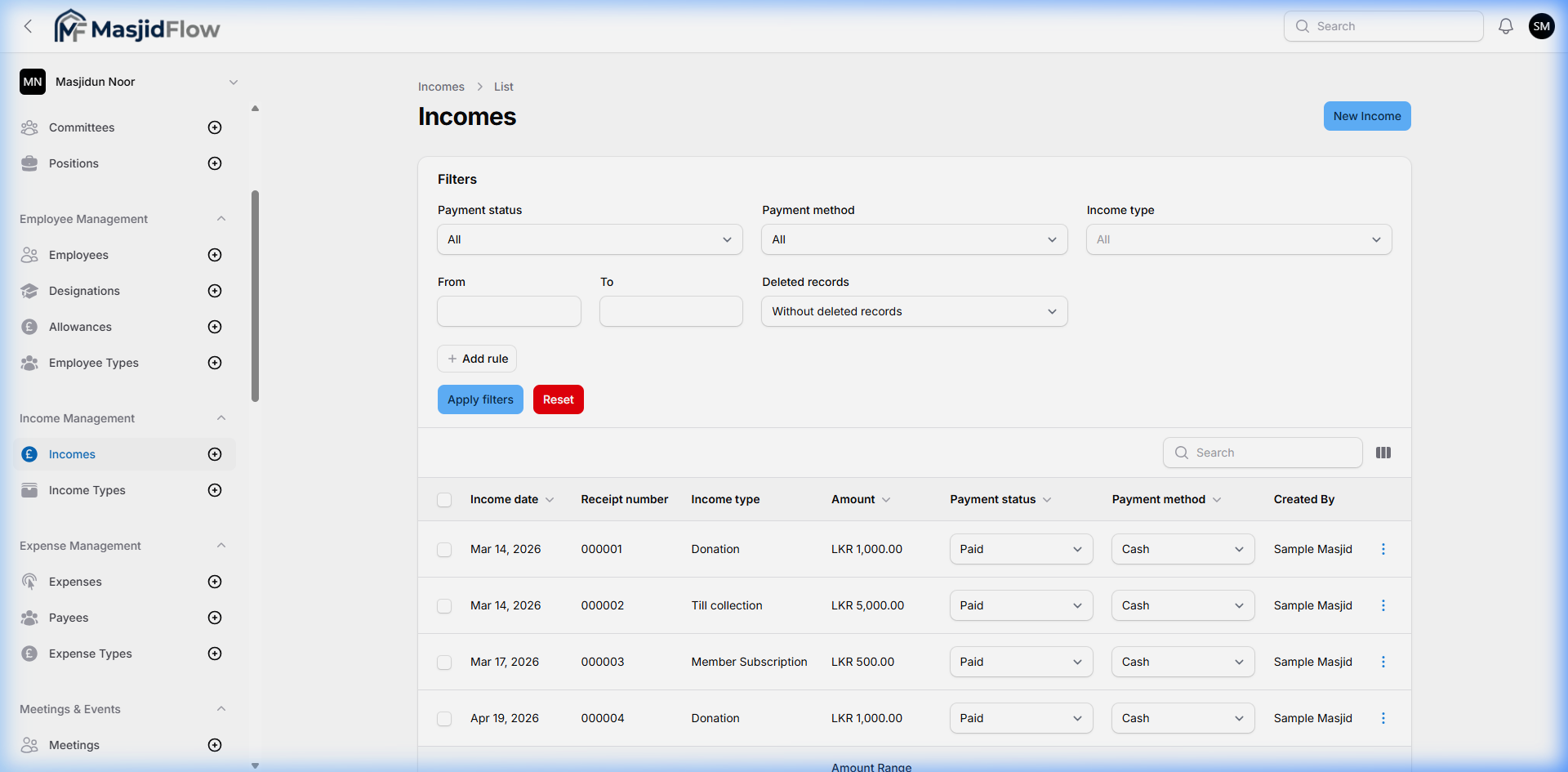
📷 Incomes list — advanced filter panel + 3 records + summary row
Filter Panel
| Filter | Options |
|---|
| Payment status | All / Paid / Pending |
| Payment method | All / Cash / Bank Transfer / etc. |
| Income type | All / Donation / Till collection / Member Subscription |
| From date | Date picker |
| To date | Date picker |
| Deleted records | Without / With deleted records |
| + Add rule | Dynamic custom filter rule builder |
Observed Data
| Receipt | Type | Amount | Date | Status |
|---|
| 000001 | Donation | LKR 1,000.00 | Mar 14, 2026 | Paid |
| 000002 | Till collection | LKR 5,000.00 | Mar 14, 2026 | Paid |
| 000003 | Member Subscription | LKR 500.00 | Mar 17, 2026 | Paid |
Summary row (table footer): Amount Range: 500.00–5000.00 · Paid Total: LKR 6,500.00
Create Income Form
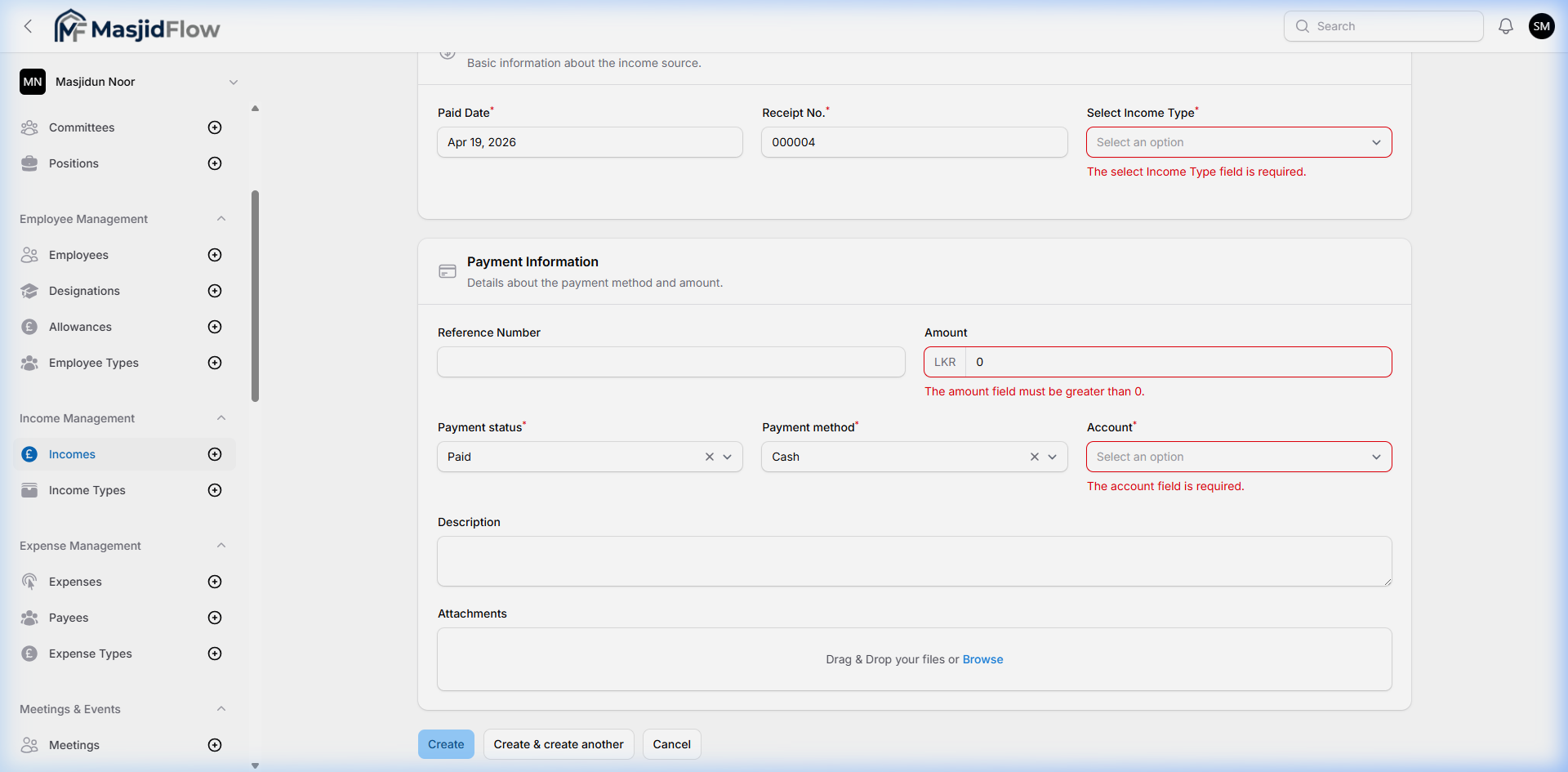
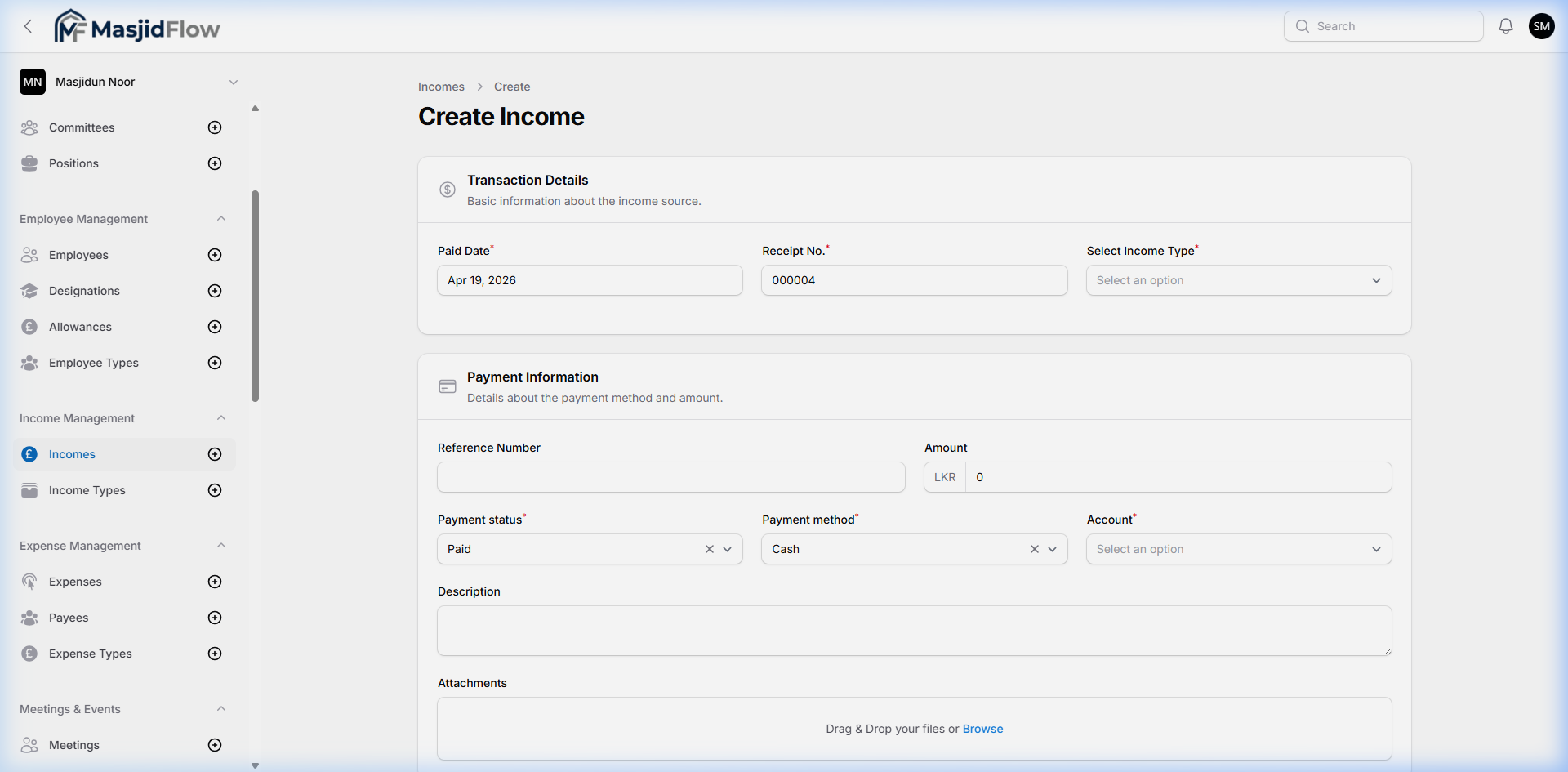
📷 Create Income — Transaction Details + Payment Information sections
| Field | Type | Required | Notes |
|---|
| Paid Date | Date picker | ✅ Yes | Pre-filled: today's date |
| Receipt No. | Text | ✅ Yes | Auto-incremented ("000004") |
| Select Income Type | Dropdown | ✅ Yes | From Income Types module |
| Reference Number | Text | ❌ No | Bank transfer reference |
| Amount | Numeric (LKR prefix) | ✅ Yes | Must be > 0 |
| Payment status | Dropdown | ✅ Yes | Default: Paid |
| Payment method | Dropdown | ✅ Yes | Default: Cash |
| Account | Dropdown | ✅ Yes | Linked to Accounts module |
| Description | Textarea | ❌ No | |
| Attachments | File upload | ❌ No | Receipts/invoices |
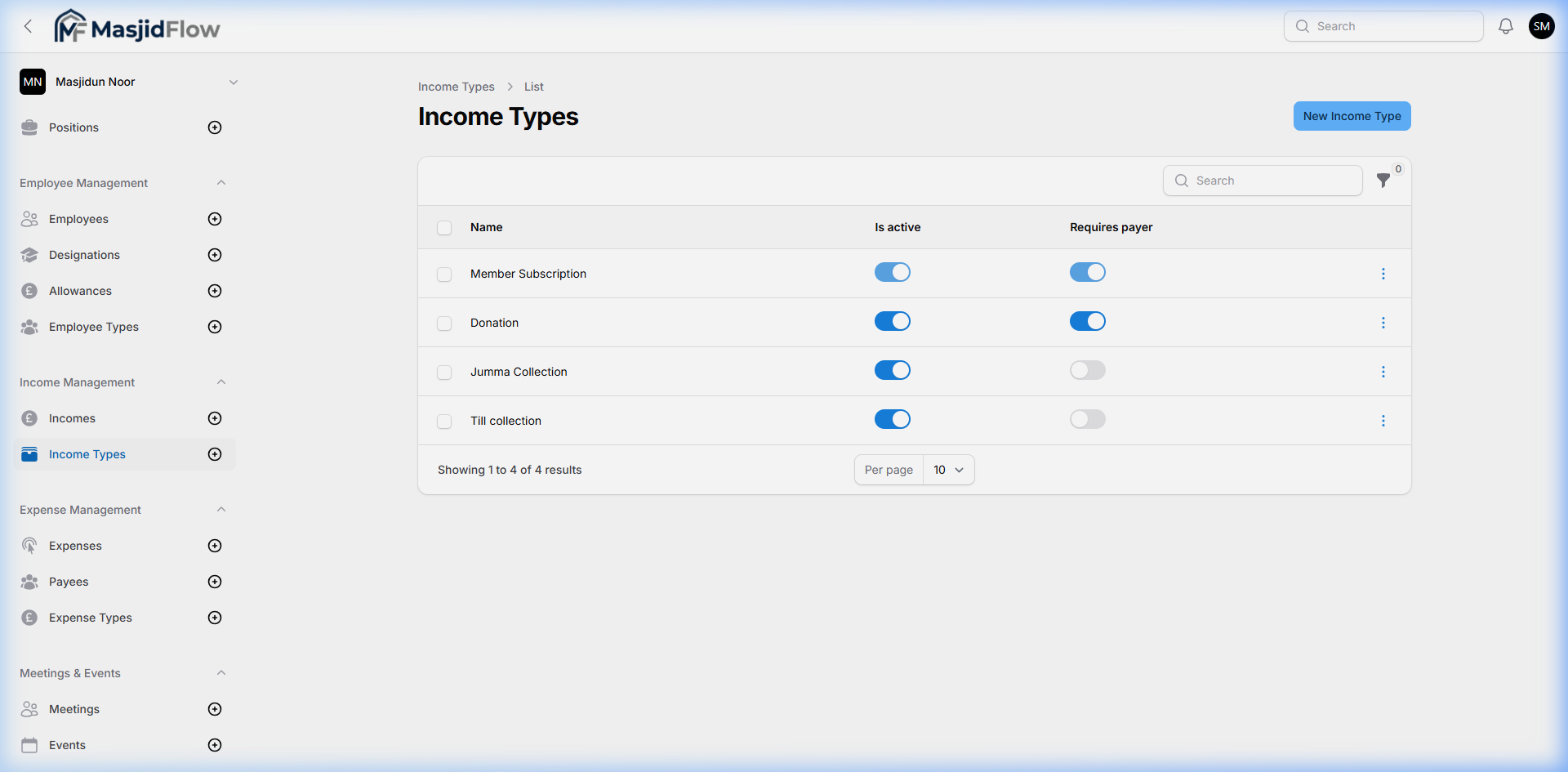
📷 Income Types — configured types
📷 Income created — success toast notification
4.7 Expense Management
🔗 /masjid/expenses · Sidebar: Expense Management → Expenses, Payees, Expense Types
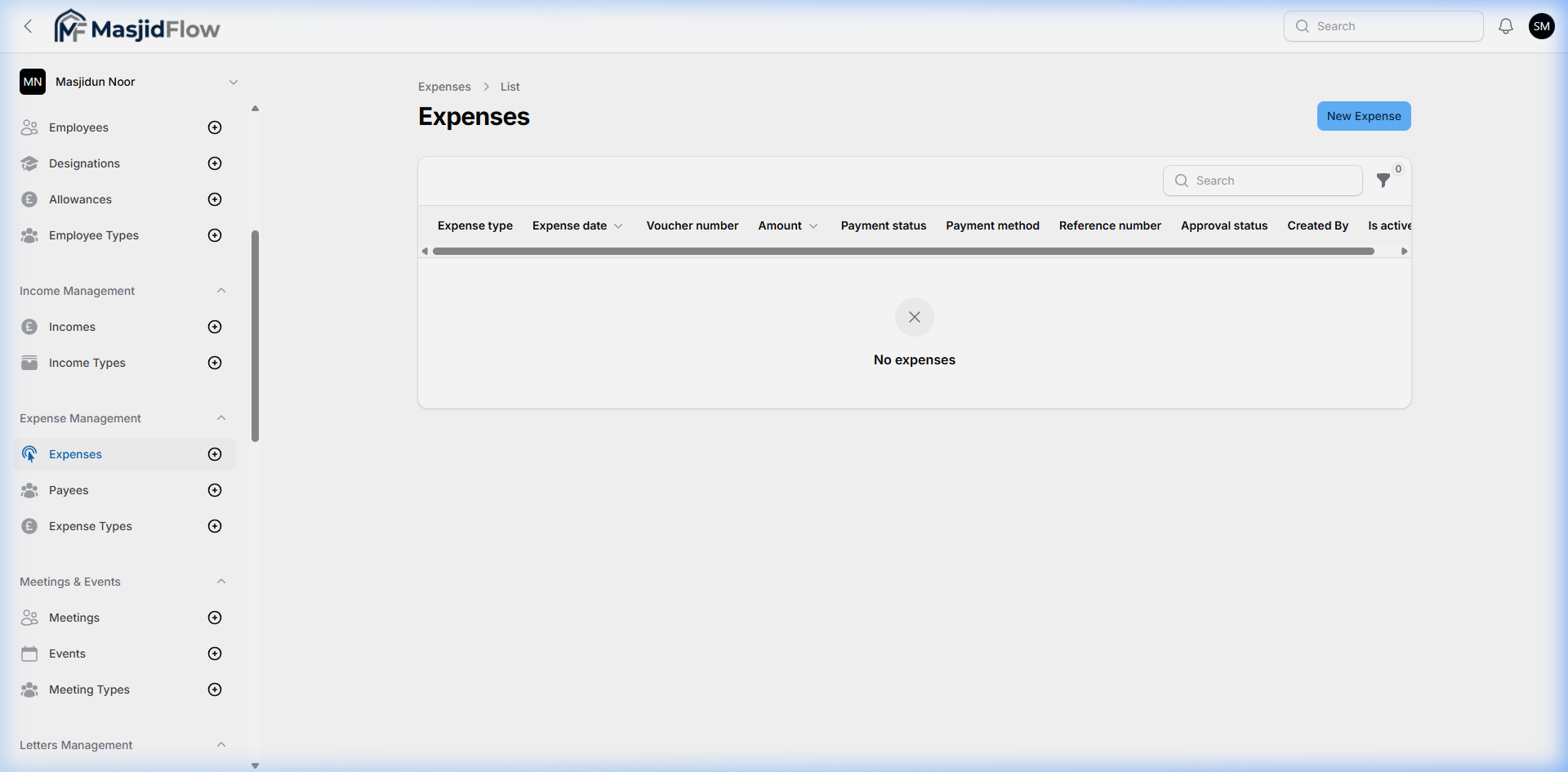
Records all outgoing expenses payable to vendors/persons. Enforces an approval workflow (Pending Approval → Approved) before payment. Linked to accounts for fund tracking.
📷 Expenses list — empty; note the Approval Status column
📷 Create Expense — two-column layout with Approval Workflow sidebar
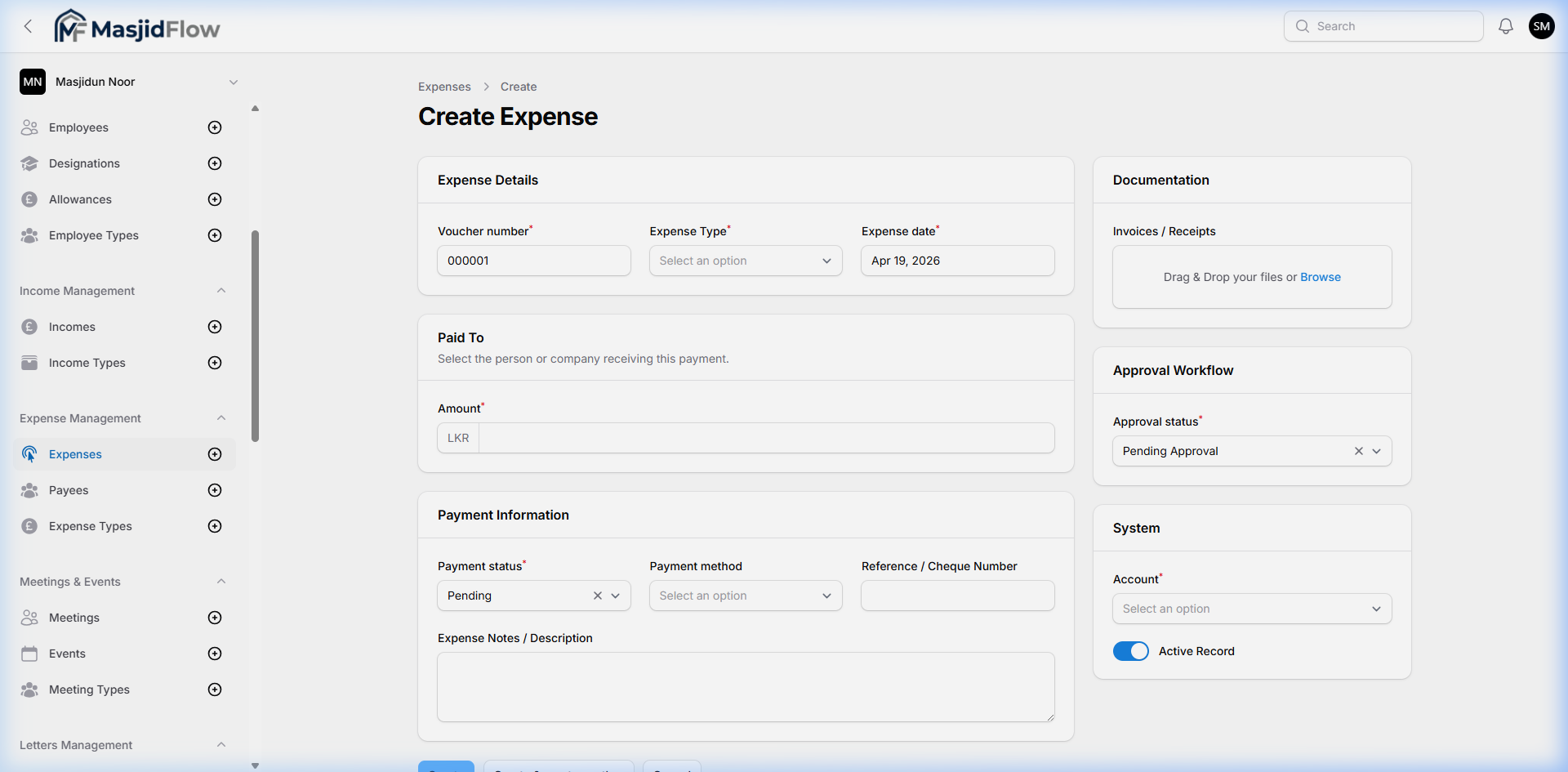
| Section | Field | Required | Notes |
|---|
| Expense Details | Voucher number | ✅ Yes | Auto-generated (000001) |
| Expense Type | ✅ Yes | From Expense Types |
| Expense date | ✅ Yes | Pre-filled: today |
| Amount (LKR) | ✅ Yes | |
| Paid To | Payee | ❌ No | Person/company receiving payment |
| Payment Info | Payment status | ✅ Yes | Default: Pending |
| Payment method | ❌ No | Cash / Bank etc. |
| Reference / Cheque No. | ❌ No | |
| Expense Notes | ❌ No | Textarea |
| Right Sidebar | Invoices / Receipts | ❌ No | File upload |
| Approval status | ✅ Yes | Default: Pending Approval |
| Account | ✅ Yes | Linked to Accounts module |
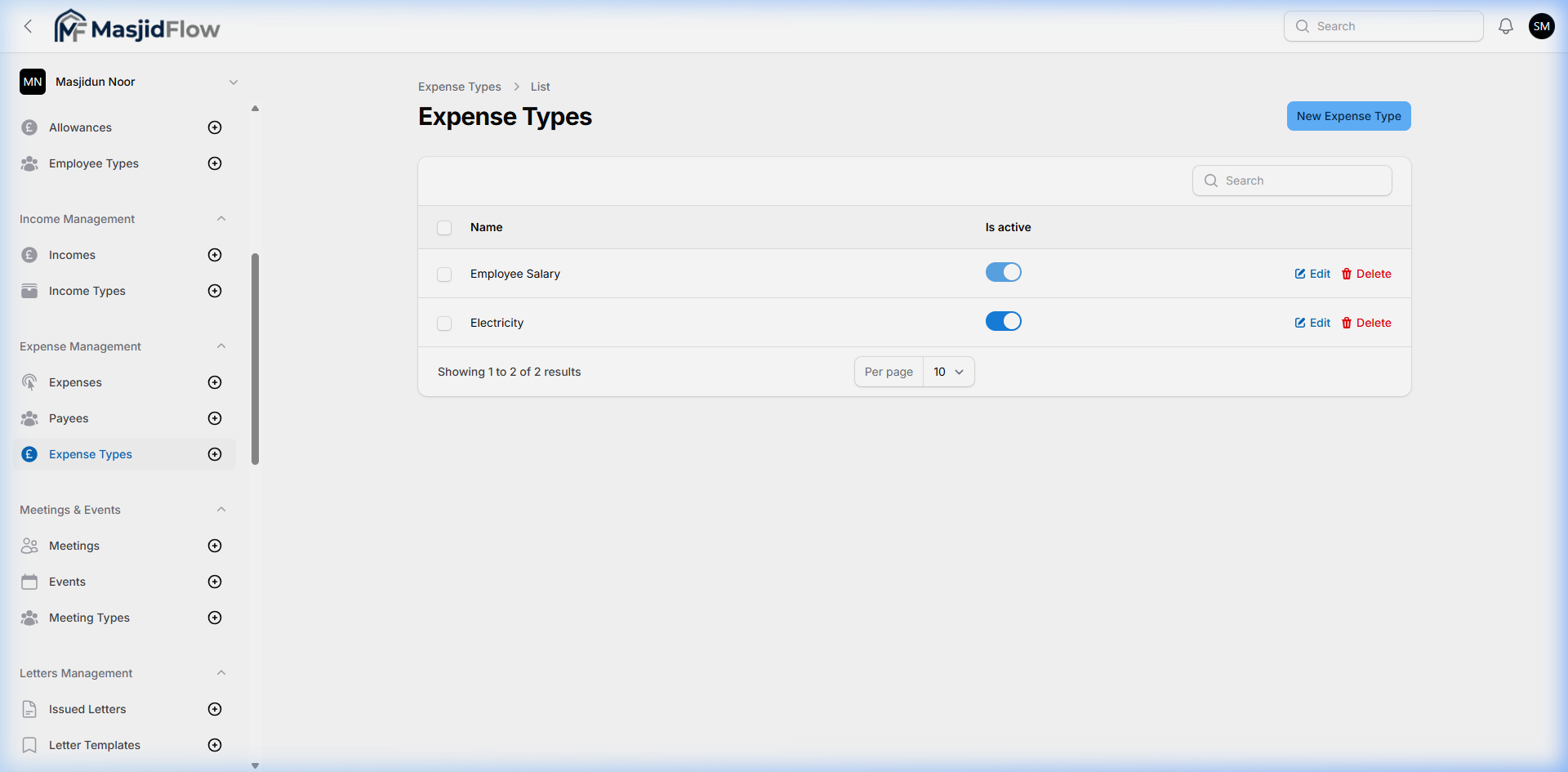
📷 Expense Types — pre-populated categories
4.8 Meetings & Events
🔗 /masjid/events · Sidebar: Meetings & Events → Meetings, Events, Meeting Types
Schedules and documents formal committee meetings and public masjid events (programs, fundraisers, etc.).
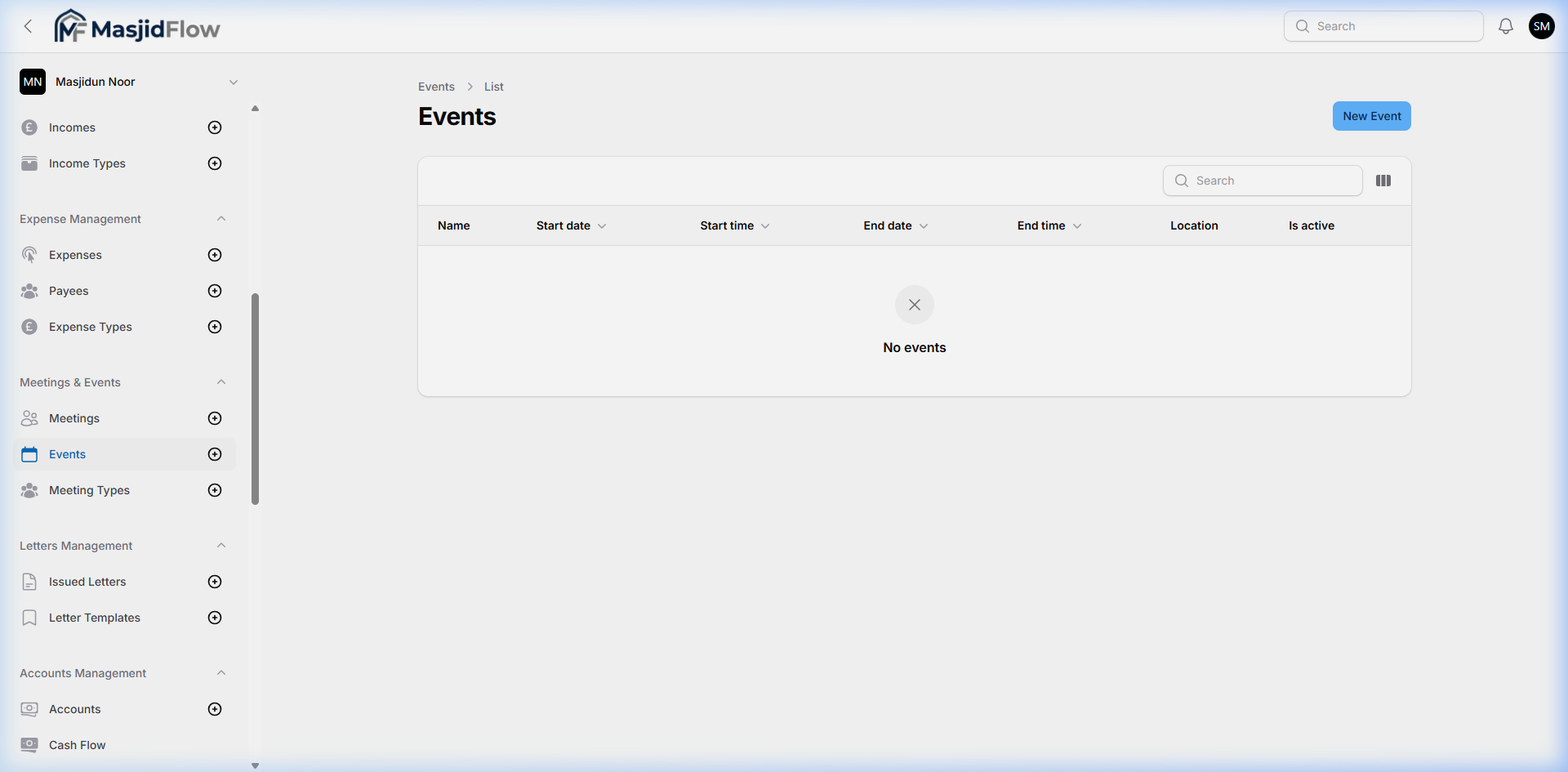
📷 Events list — empty (no sample events)
Create Event — 4 Tabs
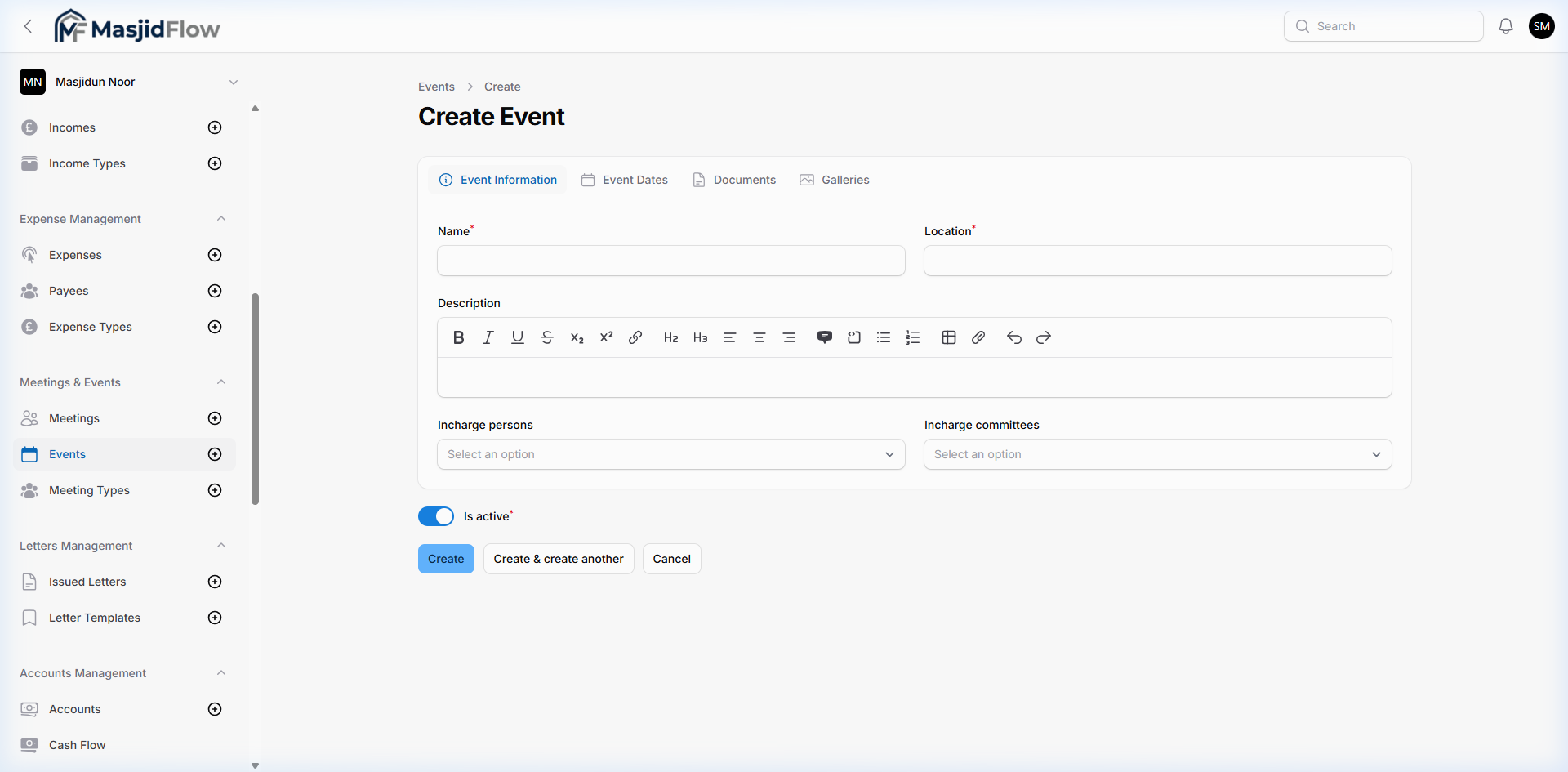
📷 Tab 1: Event Information — Name, Location, rich-text Description, Incharge persons/committees
| Tab | Fields | Notes |
|---|
| Event Information | Name*, Location*, Description (WYSIWYG), Incharge persons, Incharge committees, Is active* | Rich text editor with formatting toolbar |
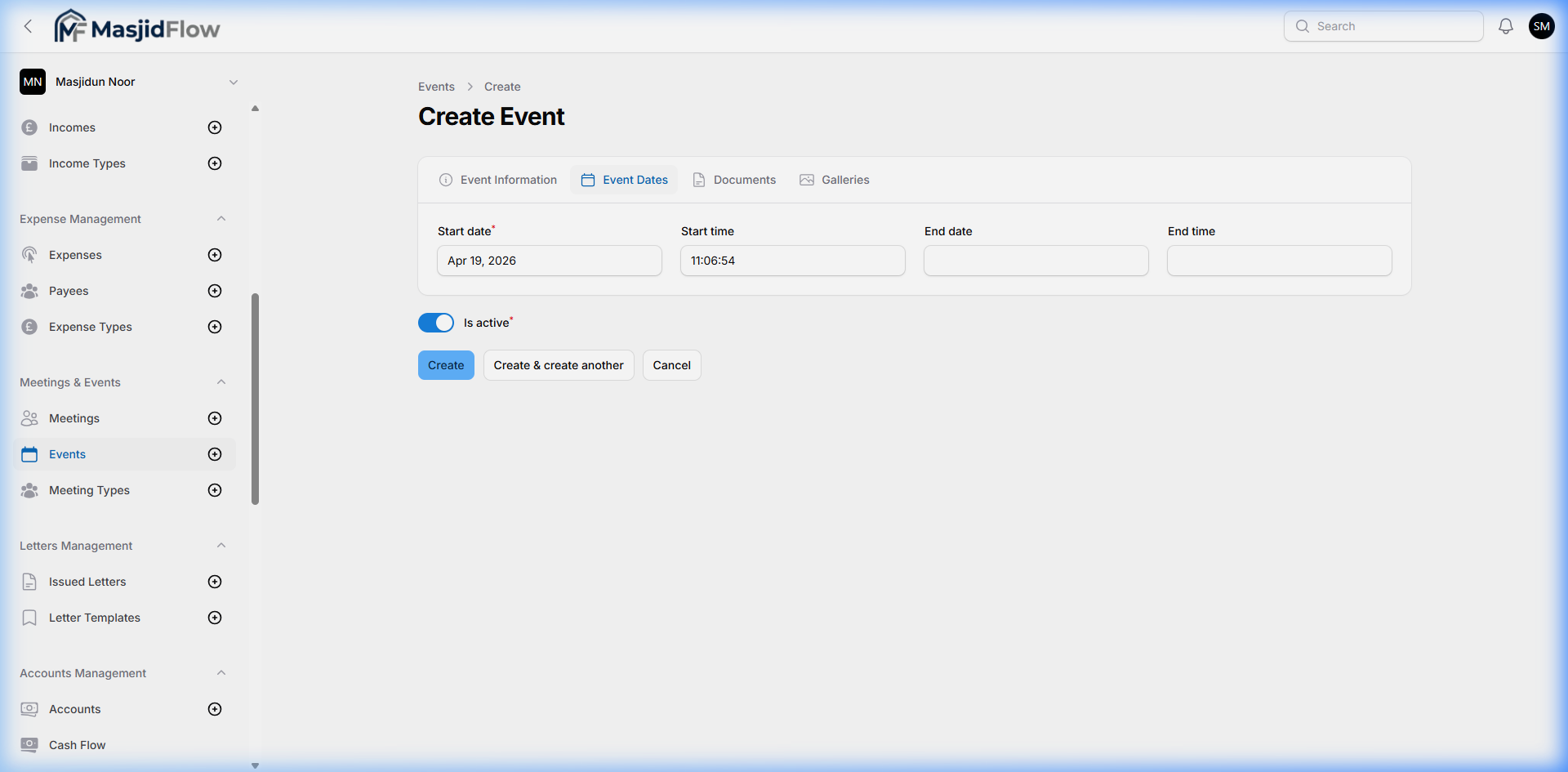
| Event Dates | Start date, End date, Start time, End time | Repeater — multiple date blocks allowed |
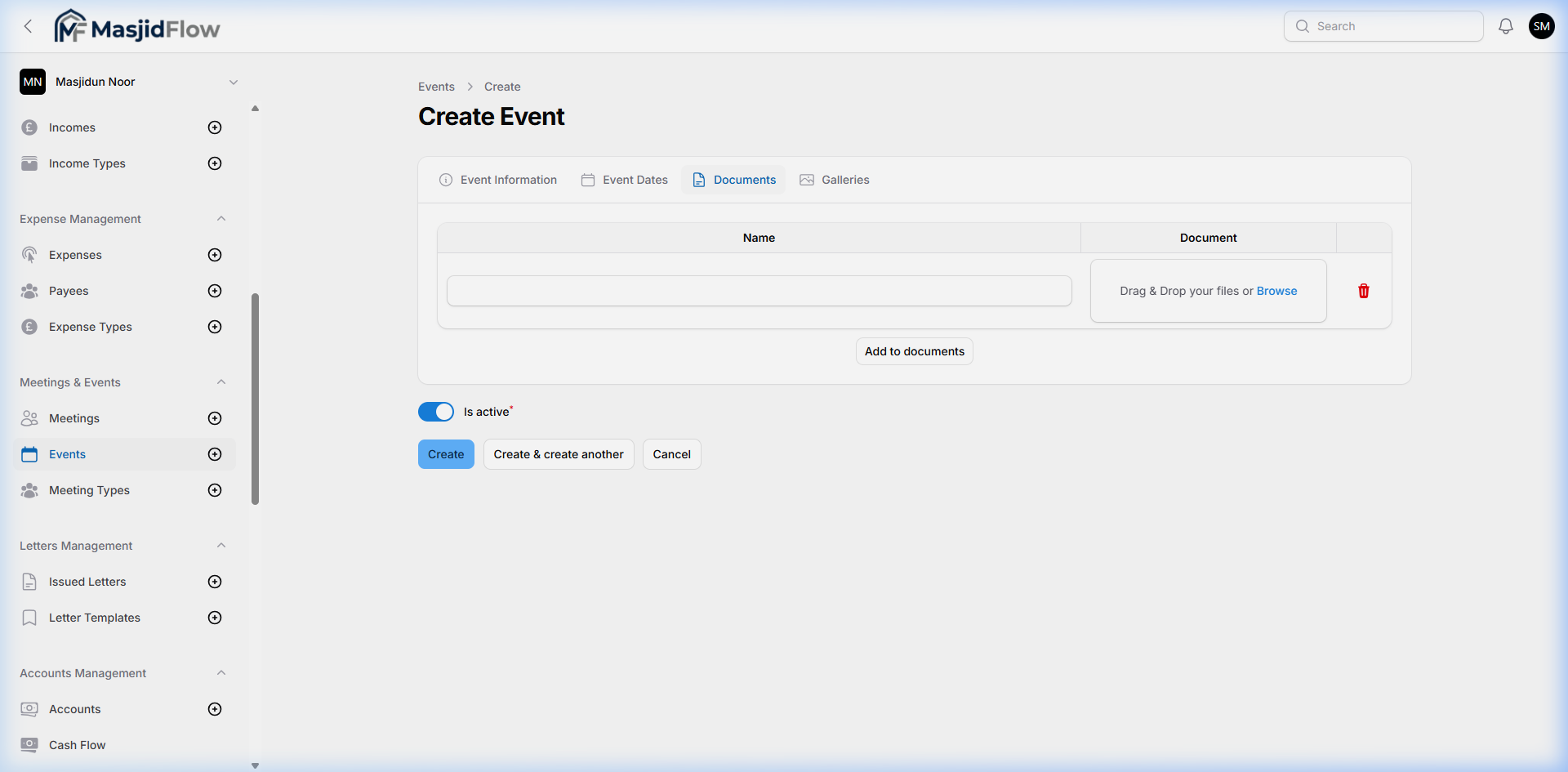
| Documents | File upload (multiple) | Drag & Drop |
| Galleries | Image upload (multiple) | Drag & Drop |
📷 Tab 2: Event Dates repeater
📷 Tab 3: Documents upload
4.9 Letters Management
🔗 /masjid/issued-letters · Sidebar: Letters Management → Issued Letters, Letter Templates
Generates and tracks official letters issued by the masjid to members, donors, or government bodies. Templates enable reusable document generation merged with member data.
4.10 Accounts Management
🔗 Sidebar: Accounts Management → Accounts, Cash Flow
Manages the masjid's bank and cash accounts. Income and Expense entries are linked to these accounts, enabling per-account fund tracking and ledger views.
- Accounts: "Bank 1" was observed as a dropdown option in the Income form
- Cash Flow: Likely a ledger / transaction statement view per account
4.11 Reports
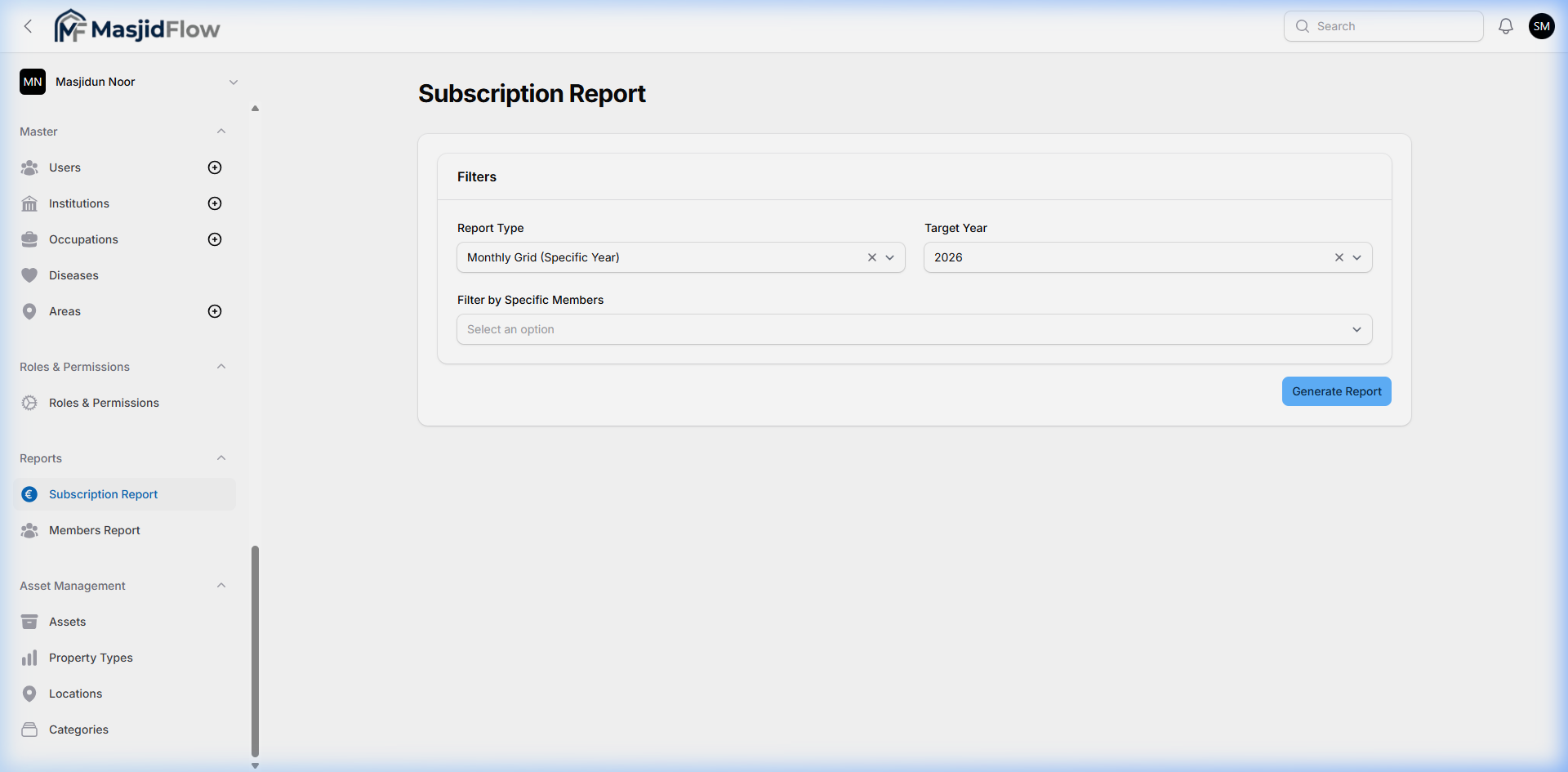
🔗 Sidebar: Reports → Subscription Report, Members Report
Generates filtered, exportable reports for financial and demographic analysis. The Members Report is the most sophisticated analytics feature in the system.
📷 Subscription Report page
📷 Members Report — 15 filter criteria, grouped output, Export button
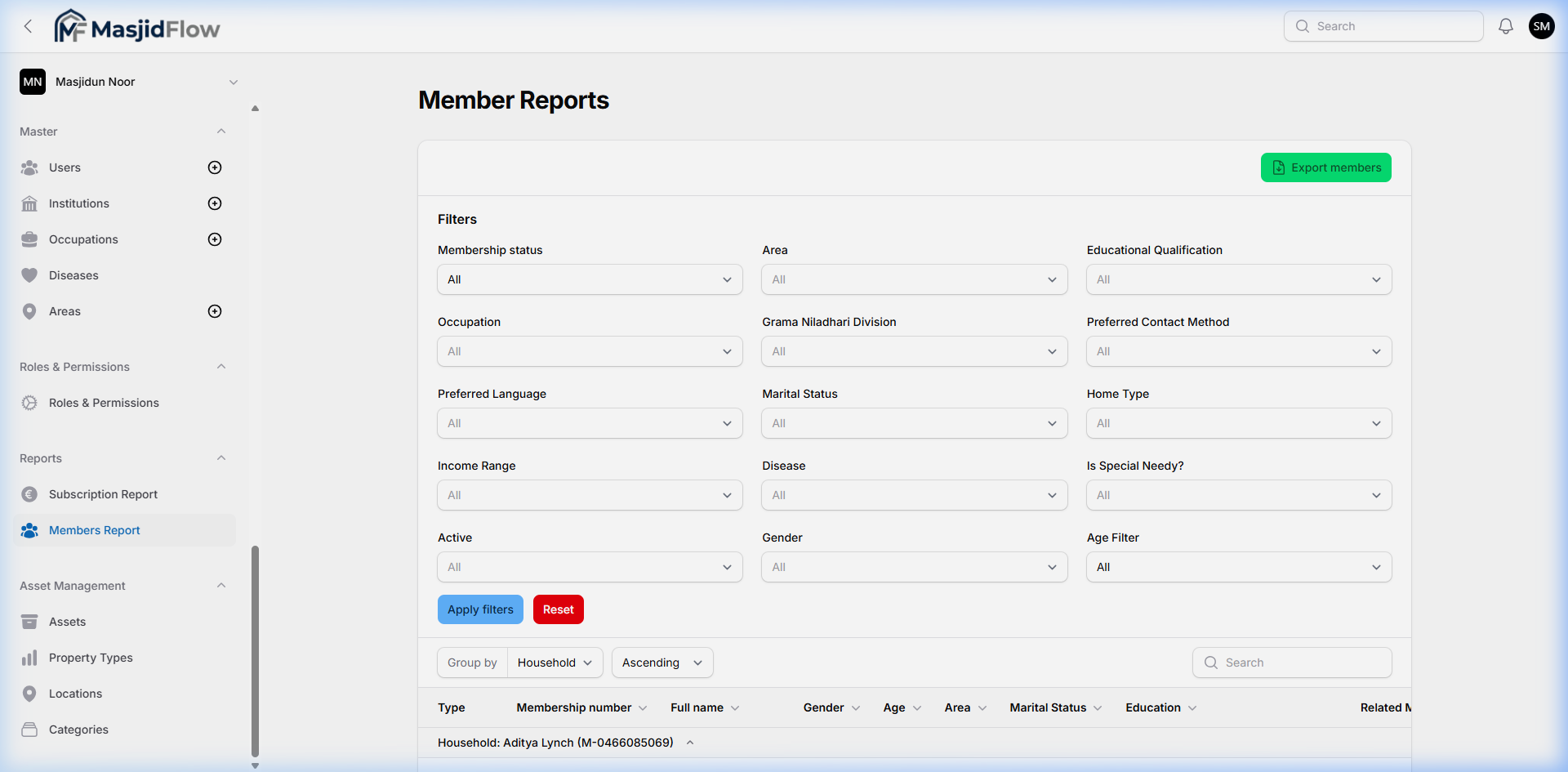
Members Report Filter Criteria (15 filters)
| Filter | Filter | Filter |
|---|
| Membership status | Preferred Language | Disease |
| Area | Marital Status | Is Special Needy? |
| Educational Qualification | Home Type | Active status |
| Occupation | Income Range | Gender |
| Grama Niladhari Division | Preferred Contact Method | Age Filter |
Output: Group by Household (Ascending / Descending) · In-table search · Export members (filtered CSV/Excel)
4.12 Asset Management
🔗 Sidebar: Asset Management → Assets, Property Types, Locations, Categories
Tracks physical assets owned by the masjid — buildings, vehicles, equipment — with categorization, property type, and location classification.
4.13 Master Data
🔗 Sidebar: Master → Users, Institutions, Occupations, Diseases, Areas
Reference / lookup tables that power dropdowns across other modules. Administered centrally.
| Sub-module | Purpose |
|---|
| Users | System user accounts with login credentials and role assignments |
| Institutions | Educational institutions for member academic profiles |
| Occupations | Occupation categories for member employment profiles |
| Diseases | Medical conditions for member health & well-being tracking |
| Areas | Geographic areas within the masjid's jurisdiction |
4.14 Roles & Permissions
🔗 Sidebar: Roles & Permissions → Roles & Permissions
Manages user access control — role creation and granular permission assignment. Powered by Spatie Permission + Filament Shield (inferred from UI patterns and codebase context).
4.15 Masjid Settings / Profile
📷 Edit Masjid — Masjid Information + Settings sections
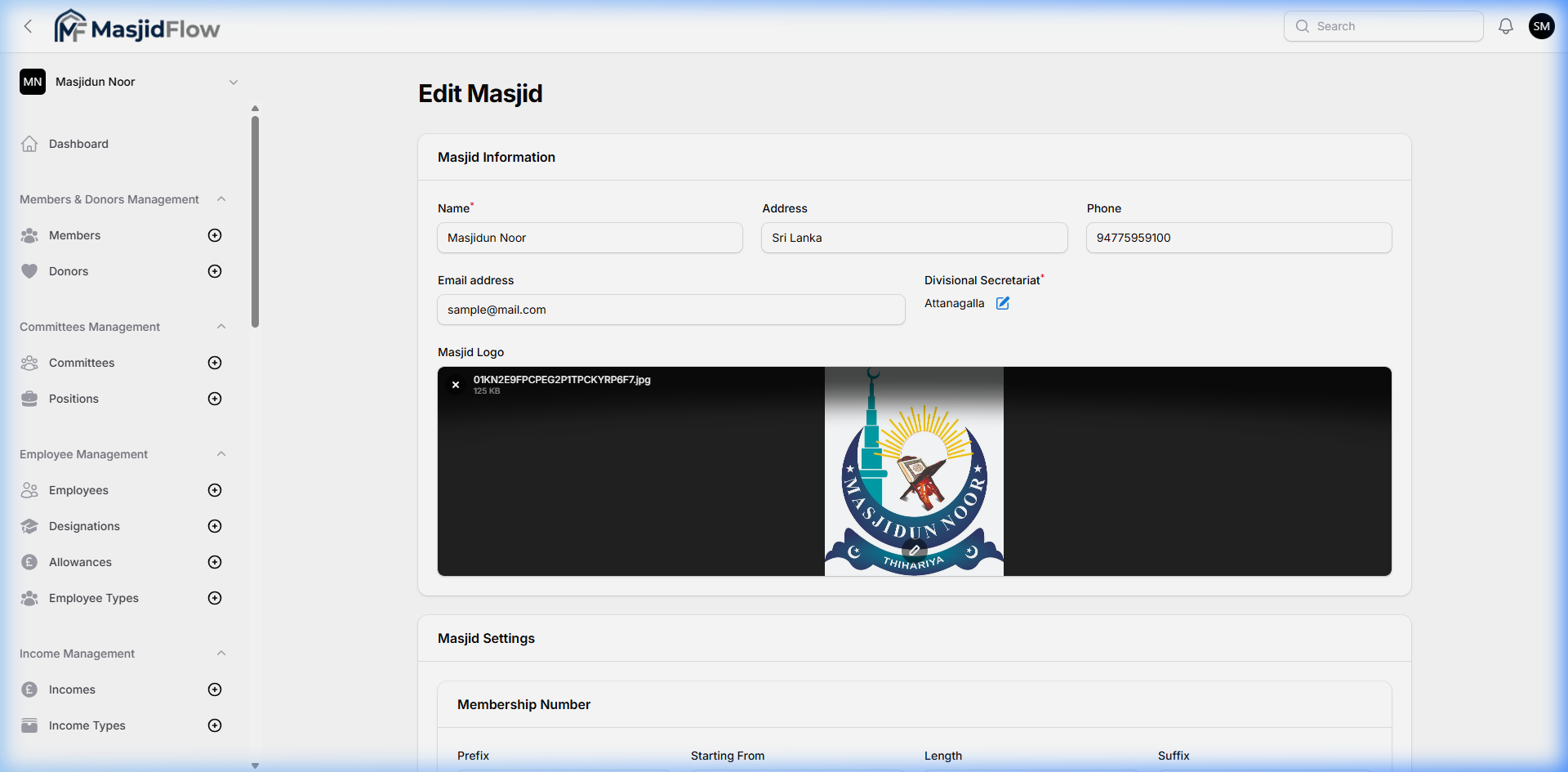
| Field | Current Value | Required |
|---|
| Name | Masjidun Noor | ✅ Yes |
| Address | Sri Lanka | ❌ No |
| Phone | 94775959100 | ❌ No |
| Email address | sample@mail.com | ❌ No |
| Divisional Secretariat | Attanagalla (inline editable) | ✅ Yes |
| Masjid Logo | Masjidun Noor emblem uploaded | ❌ No |
Masjid Settings sub-section: Membership Number configuration — Prefix, Starting From, Length, Suffix.
4.16 User Profile
🔗 Accessed via: User avatar → Edit profile
📷 User Profile page
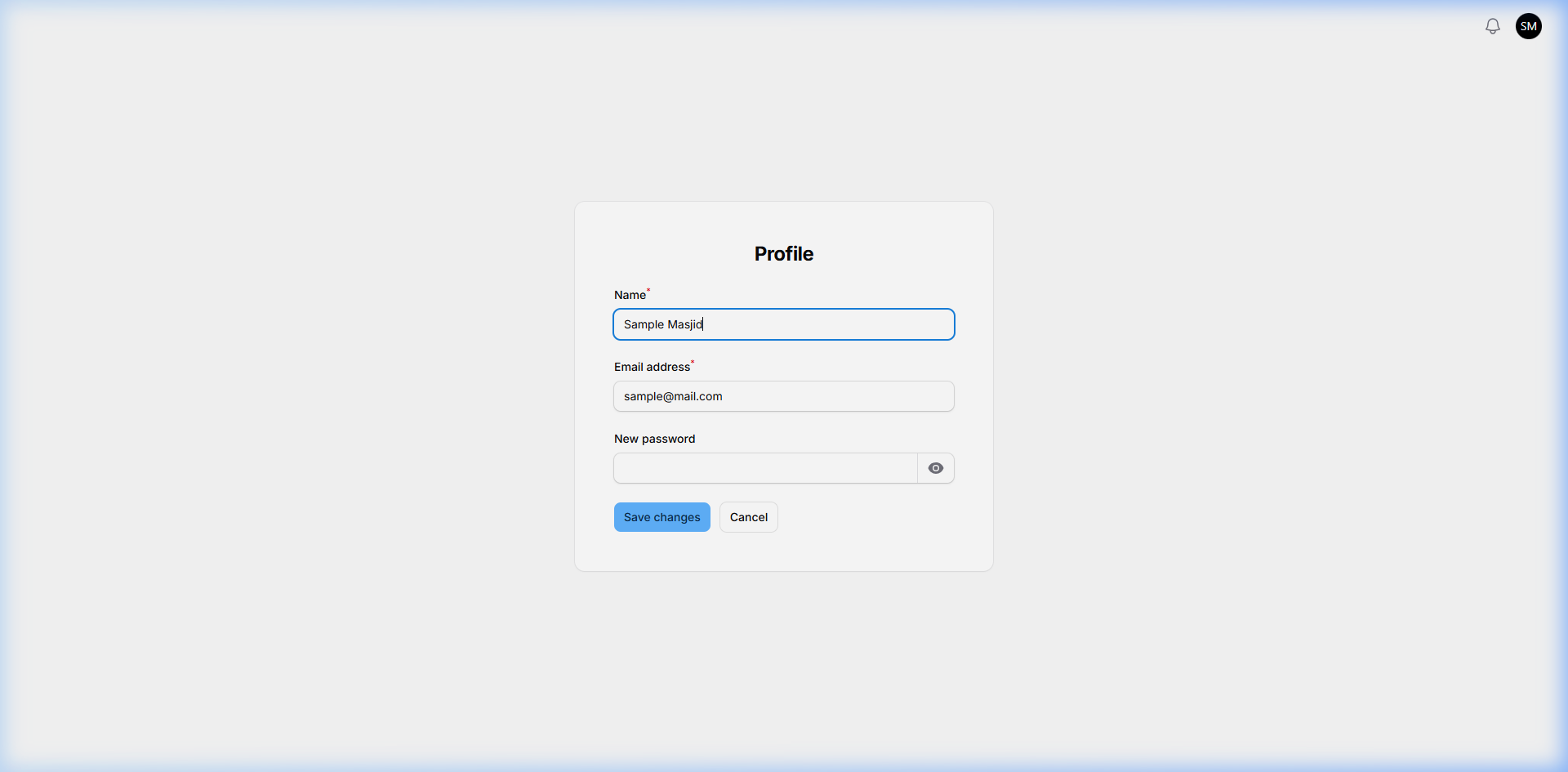
| Field | Value | Required |
|---|
| Name | Sample Masjid | ✅ Yes |
| Email address | sample@mail.com | ✅ Yes |
| New password | (blank — optional change) | ❌ No |